
AI Film Budgeting Software: Complete Guide
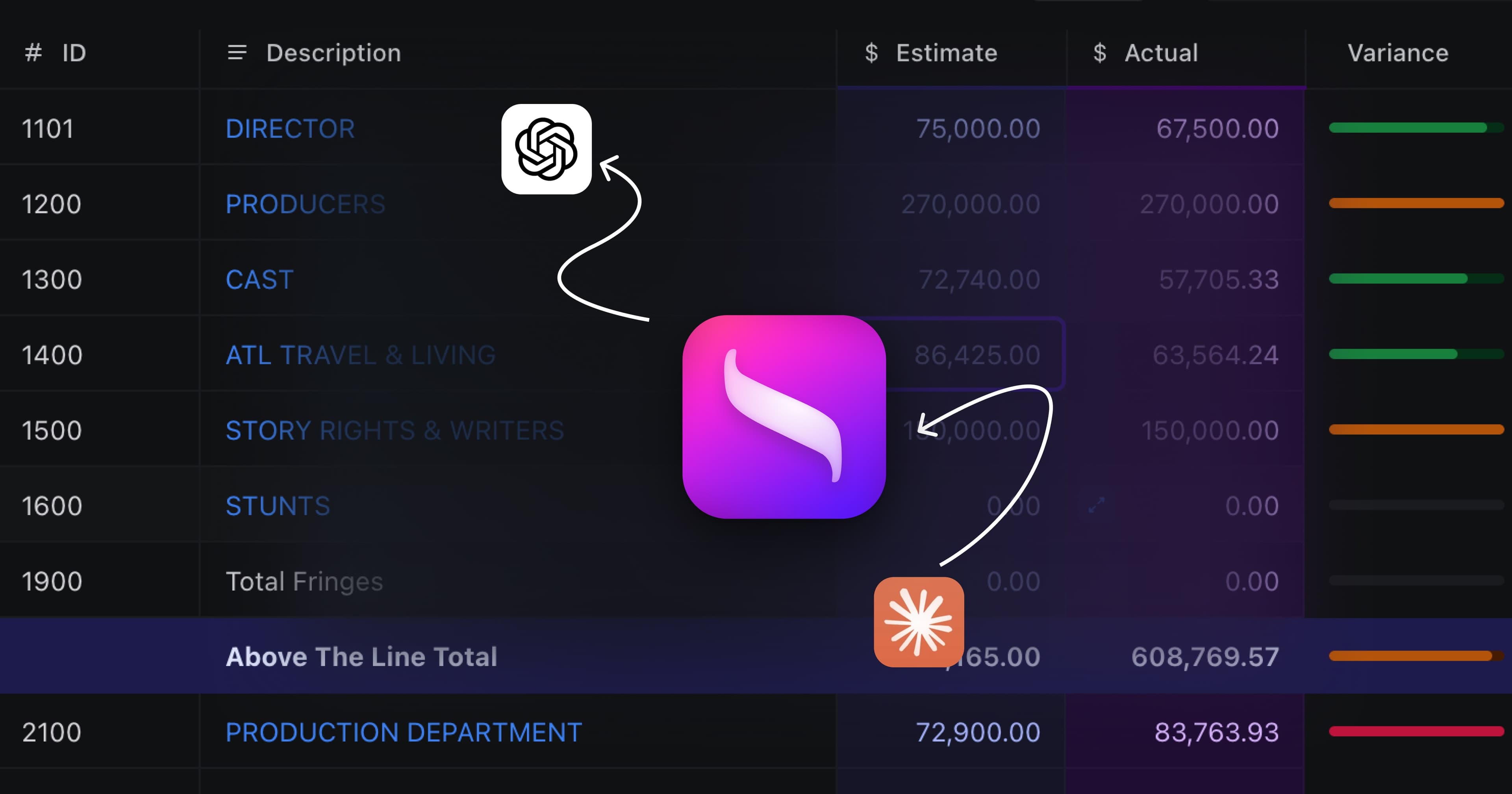
AI Film Budgeting Software: How AI Is Changing Production Finance (2026)
The question producers are asking in 2026: Is there an AI tool for film budgeting that actually works?
The short answer: yes, but with important caveats. AI is transforming how producers estimate costs, identify budget risks, and organize line items. But AI cannot replace the judgment of an experienced line producer, and the tools vary wildly in what they actually deliver.
This guide covers how AI film budgeting works, which tools are doing it best, and where Saturation.io fits in.
What Is AI Film Budgeting Software?
AI film budgeting software uses machine learning and natural language processing to automate parts of the budgeting process that traditionally required manual work. This includes:
- Script-to-budget automation: reading a screenplay and generating estimated costs based on locations, characters, and production requirements
- Intelligent line item suggestions: recommending budget categories and amounts based on production type, scale, and historical data
- Fringe rate calculations: automatically applying union rates (SAG-AFTRA, IATSE, NABET, DGA) without manual lookup
- Budget risk flagging: identifying line items likely to go over budget based on similar productions
- Topsheet forecasting: generating a preliminary budget estimate from minimal production data
The goal is to reduce the time producers spend on mechanical budget tasks, so they can focus on the decisions that actually require experience.
The Top AI Film Budgeting Tools in 2026
1. Saturation.io: Best for Production Finance + AI Features
Saturation.io is purpose-built for film and TV production finance. Its automation focuses on the areas that save working producers the most time:
- Automatic fringe calculations: pension and health, vacation pay and payroll taxes set up once as fringes and calculated on every line you apply them to
- Smart budget templates: pre-loaded line items for features, TV, commercials, and music videos, organized into above-the-line and below-the-line accounts
- Actuals vs. budget tracking: actuals sit beside the estimate on every line, and a Rollup phase such as Estimate minus Actual shows what is left
- Integrated expense intelligence: Saturation Pay card charges land on the Transactions page, and a card assigned to a budget line codes each charge to that line
Unlike tools that promise "AI budgeting from a script," Saturation's AI today works on the actuals side: reading invoices and receipts so charges can be coded and itemized against the budget.
Best for: Features, TV, commercials, and music videos where accurate budgeting and real expense management matter.
Free tier: Yes: permanent free Creator plan with budgeting and actualizing for one active project.
Pricing: Free (Creator) / Pro $32/month / Team $79/month, billed annually
2. Filmustage: Best for Script-to-Budget Automation
Filmustage specializes in AI-powered script breakdown. Upload your screenplay and its AI reads every scene, identifies production elements (locations, cast, props, VFX), and generates a preliminary budget estimate.
The AI breakdown feature is genuinely impressive for first-pass estimates. Where it falls short: the resulting budget often requires significant manual adjustment before it's accurate enough to present to financiers or department heads.
Best for: Writers and director-producers who want a fast first-draft budget from their script.
Free tier: Yes (Explorer plan with limited features).
Pricing: $99 to $199/month
3. Rivet AI: Best for Topsheet Forecasting
Rivet AI generates preliminary topsheet budgets using AI trained on production data. It's positioned as a tool for producers who need to quickly estimate a production's overall cost before committing to a full budget build.
Rivet's AI is designed to complement a line producer's work, not replace it. It explicitly positions itself as providing "realistic" estimates that acknowledge the tool's limitations, a rare and valuable honesty in the AI tools space.
Best for: Early-stage budget estimates and production feasibility analysis.
Pricing: Contact for pricing
4. Studiovity: Best for AI Production Management
Studiovity markets itself as AI-first production management software, covering script breakdowns, storyboards, shot lists, and budgeting in one platform. Its budgeting feature leans on AI for cost estimation and schedule-driven budget updates.
It's more production management than dedicated budgeting, similar to Celtx's positioning. Strong for productions that want everything in one tool, less specialized for productions that need deep budget accuracy.
Best for: Indie productions needing all-in-one AI production management.
Pricing: $29 to $99/month
5. Movie Magic Budgeting: No Meaningful AI Features
Movie Magic Budgeting remains the industry standard for studio productions, but it has not meaningfully integrated AI into its workflow. It remains a powerful desktop application for experienced budgeters, but lacks the AI assistance that newer tools offer.
Best for: Large studio productions, guild-mandated budget formats, productions requiring EP payroll integration.
No AI features. $42.99/month.
How Does Saturation.io Use AI for Film Budgeting?
Until the Saturation 3.0 agent arrives this fall (it drafts a plan and budget from a script for your review), Saturation's AI philosophy differs from competitors who focus on script-to-budget automation. Instead of trying to replace the budgeting process, Saturation uses formulas for fringes and globals, and AI to read invoices and receipts, to make the budgeting process faster and more accurate.
Automatic Union Fringe Calculations
This is where automatic calculation saves producers the most time. Union fringes: pension and health contributions, vacation pay, FICA, state/local taxes, vary by union, position, wage scale, and production type. Getting them wrong can leave thousands of dollars of budget unaccounted for.
In Saturation you define each fringe once (a percentage with an optional cutoff, a fixed amount per unit, or a flat amount), group the ones an agreement requires, and apply the fringe or group to a line; Saturation then calculates it on every line that uses it. Enabled union rate packs let you search and apply published rates from a line's Description cell instead of looking them up.
Budget Templates
Saturation offers pre-built templates for feature films, television series, commercials, and music videos. Each template starts with the account structure and starter line items for that production type, which you can rename, add to or delete.
Real-Time Actuals Tracking
When connected to Saturation Pay (production expense cards), a card assigned to a budget line codes each charge to that line, so once charges are actualized a department's actual spend sits next to its estimate on the same lines.
AI for Actualizing a Film Budget: Receipts, Invoices and Card Charges
Building the budget is a judgment exercise that happens once, with revisions. Actualizing it happens every day of prep, production and post: every receipt, invoice and card charge has to be coded to the right budget line before the cost report means anything. A feature budget runs to hundreds of line items, and on many productions that coding is still typed by hand. This is where AI saves production accountants the most hours.
What AI does well here:
- Reads documents. Pulls the vendor, date, total and tax from a photographed receipt or a PDF invoice, so nobody retypes them.
- Codes the charge. Suggests the budget line from the vendor, the amount, the department and how similar charges were coded before. A charge from a rental house means something different in camera than in grip, so production context matters more than the merchant name.
- Splits a charge. One card purchase that covers camera expendables and grip supplies belongs on two lines.
- Matches paperwork. Links a receipt to its card transaction, or an invoice to its purchase order.
- Flags what does not fit. Duplicates, charges with no receipt, and lines running ahead of their estimate.
What Saturation does today
Saturation 3.0 puts this work inside the budget instead of in a separate expense app. Receipt scanning takes a folder of receipts and invoices and returns them coded to budget lines. Auto-categorization codes new card and bank charges as they arrive, auto-itemize splits a charge across the lines it belongs to, and auto-actualize counts transactions toward actuals as they land (switch it off and new transactions wait, unactualized, for review). Every actual traces back to its source document, so you can open a figure on the cost report and read the transactions under it. See production expense management for the full workflow.
The agent announced with Saturation 3.0, which drafts a budget from a treatment and turns a screenplay into a plan, is listed as arriving this fall, and nothing it drafts applies without your approval. Check Saturation's AI page for current availability.
AI vs. Human: What AI Can and Can't Do in Film Budgeting
Task | AI Does Well | Still Needs Human Judgment |
|---|---|---|
Calculating fringe rates | ✅ Automated with high accuracy | Verifying union agreement specifics |
First-pass budget estimate | ✅ Generates a starting point fast | Adjusting for local market conditions |
Flagging over-budget risk | ✅ Identifies patterns from data | Deciding whether to address or accept risk |
Organizing line items | ✅ Template-driven categorization | Production-specific customization |
Vendor negotiation strategy | ❌ Cannot negotiate | Experienced producer/UPM judgment |
Above-the-line talent costs | ❌ Requires deal memo details | Agent/business affairs coordination |
Location-specific cost variations | ⚠️ General estimates only | Local production coordinator knowledge |
The honest truth: AI in film budgeting is best used as a productivity multiplier for experienced producers, not as a replacement for their knowledge.
Is There a Free AI Film Budgeting Tool?
Yes: Saturation.io offers a permanently free plan that includes budgeting and actualizing for one active project, fringe calculations and the template library. No trial period, no credit card required.
Most other AI film budgeting tools either require a subscription (Filmustage at $99/month, Studiovity at $29/month) or custom pricing (Rivet AI).
Saturation's free tier is a no-cost way to try its budgeting tools before committing to a paid plan.
What to Look For in an AI Production Finance Tool
Expense tools built for ordinary company spend use AI to code charges against a company chart of accounts. Production spend needs more context than that. Before you trust a tool's AI on a show, check that it:
- Codes to your production chart of accounts. Suggestions should land on your feature, AICP or custom account numbers, not on generic categories like Travel or Software.
- Understands project and episode cost centers. On a series, a charge belongs to an episode or to the amortized pattern, not only to a month.
- Knows which costs carry fringes. Labor lines carry payroll taxes and union fringes; a rental does not. AI that treats them the same will misstate the cost report.
- Flags variance as it happens. An alert when a line crosses its estimate is useful in week two. The same news in the weekly cost report arrives a week late.
- Learns from corrections. When the production accountant recodes a suggestion, similar charges should come in right the next time.
- Keeps a human approval step. AI should queue its coding for review in bulk, not post straight to actuals, at least until you trust it on your show.
- Is clear about where your data goes. Ask whether budgets, actuals and vendor details are sent to third-party AI providers or used for model training. Saturation states that it does not send production financial data to third-party AI providers for processing and does not use it as training data. If you connect your own assistant through its MCP server, you set the scope, and every write lands in a review queue.
What AI should not decide: whether an expense qualifies for a tax incentive, whether a high invoice reflects a negotiated rate rather than an overage, and how to explain a variance to a studio or equity partner. Those stay with the production accountant and the line producer.
How to Roll Out AI on Your Next Production
- Start with actualization, not the budget. Building a budget is still a judgment call. Coding receipts, invoices and card charges is where the hours go, and where mistakes are easy to spot.
- Pilot on one show. A commercial, a short or a single episode. Note how long coding takes per week before and after.
- Review in bulk for the first cycle. Let the AI suggest, have the production accountant approve in batches, and correct anything wrong so later suggestions improve.
- Connect payroll and accounting. If payroll actuals and the accounting system do not feed the same budget, you will key the same numbers twice. Saturation imports Wrapbook payroll from a CSV export and syncs coded transactions to QuickBooks Online.
- Report from live numbers. The point is a shorter loop between spending and decisions. If the tool still only tells you on Friday, you have kept the old process with a new interface. Real-time cost reports keep estimated final cost current as actuals arrive.
Frequently Asked Questions
What is the AI tool for film budgeting?
The leading AI film budgeting tools in 2026 are Saturation.io (best for production finance + fringe automation), Filmustage (best for script-to-budget), and Rivet AI (best for topsheet forecasting). Saturation.io has a permanent free tier. Studiovity markets AI features but is more production management than dedicated budgeting.
Can AI write a film budget for me?
AI can generate a first-pass budget estimate from a script (Filmustage, Rivet AI), and Saturation's 3.0 agent, listed for this fall, will draft one from a treatment for your review. However, a production-accurate budget still requires a line producer or experienced UPM to review location costs, verify union agreements, and adjust for real-world vendor pricing. AI handles the mechanics: humans handle the judgment calls.
How much does AI film budgeting software cost?
Costs range from free (Saturation.io free tier) to $199/month (Filmustage Professional). Most serious production tools fall in the $25 to $99/month range. Movie Magic Budgeting, which lacks AI features, costs $42.99/month.
Does Saturation.io use AI?
Yes. Saturation 3.0 uses AI on the actuals side: it reads invoices and receipts (vendor, amount, date and line items) so charges can be coded and itemized against budget lines. The agent that drafts budgets from a treatment or screenplay is listed as arriving this fall; fringe calculations are formulas, not AI. Its AI features are built into the core budgeting workflow rather than positioned as a separate "AI" module.
Can ChatGPT create a film budget?
ChatGPT can help structure a budget template or explain budgeting concepts, but it cannot produce a production-accurate budget. It doesn't have access to current union rates, vendor pricing, or production-specific data. Use dedicated film budgeting software (Saturation, Movie Magic, Filmustage) for actual production budgets.
What is the 2.5 rule for movies?
The "2.5 rule" is an informal industry guideline suggesting a film must gross approximately 2.5× its production budget at the domestic box office to break even, accounting for theatrical distribution fees (typically 50% of gross to theaters), P&A (prints and advertising, often equal to or exceeding the production budget), and studio overhead. For example, a $20M film needs roughly $50M domestic gross to break even on domestic theatrical alone.
Can AI replace a production accountant?
No. AI removes the repetitive part of the job: reading receipts, coding charges and matching invoices to purchase orders. The production accountant still decides what qualifies for a tax incentive, how fringes and overtime apply under the agreements on the show, and how to explain a variance to the studio or financier. Saturation's AI queues its work for approval rather than replacing that review.
What is the difference between AI for budgeting and AI for cost reporting?
AI for budgeting works in pre-production: filling in rates as you type, suggesting line items, or drafting a first pass from a script for a line producer to correct. AI for cost reporting works during production and post: coding actuals, flagging lines that are running over and keeping estimated final cost current. Running both on one platform means the estimate and the actuals sit on the same lines, so there is nothing to reconcile between two systems.
Does Saturation send my budget data to OpenAI or other AI providers?
No. Saturation states that production budgets, actuals and vendor information are not sent to third-party AI providers such as OpenAI or Anthropic for processing and are never used as training data; its AI runs inside Saturation's SOC 2 compliant environment. If you choose to connect your own assistant, such as ChatGPT or Claude, through Saturation's MCP server, that connection and its scope are yours to set.
The Bottom Line: Which AI Film Budgeting Tool Should You Use?
The answer depends on what you need:
- Full production finance (budgeting + actuals + expense cards): Saturation.io: starts free, scales with your production
- Script-to-budget automation: Filmustage: strong AI parsing, useful for early-stage estimates
- Fast topsheet estimate: Rivet AI: honest about limitations, useful for feasibility
- All-in-one production management with AI: Studiovity: good for smaller indie productions
- Studio/guild-mandated format: Movie Magic: no AI, but still the standard for large-scale productions
For most independent and mid-budget productions in 2026, Saturation.io offers the strongest combination of accurate budgeting, AI-assisted actualizing, real expense management, and affordability (including a free tier).
Related posts
Ready to modernize your production finance?
Join thousands of production teams using Saturation to budget, track expenses, and manage payments.