
Top Project Management Tools for Film Production Workflows
Film and TV productions are one of the most complex types of project to manage. Hundreds of people, dozens of departments, tight schedules, and non-linear dependencies (cannot shoot scene 40 on location X without securing that location, which depends on script approval, which depends on...). This guide covers the top project management tools for film production workflows, what each category handles, and how finance workflows fit alongside creative and logistical PM.
Why film PM is different from general PM
General PM tools (Asana, Monday, Trello, ClickUp) are built for ongoing business projects. A production has a different shape: 6 to 16 weeks of intense activity preceded by 4 to 12 weeks of prep, followed by 8 to 20 weeks of post. Tasks, deadlines, and resources are structured around shoot days, not sprint cycles.
Film-specific PM tools encode this shape. They handle:
- Script breakdowns (characters, props, locations per scene)
- Shooting schedules (which scenes shoot on which days)
- Call sheets (who is on set when, at what location, with what equipment)
- Shot lists (what the director is capturing each day)
- Department schedules (when each department is prepping, shooting, wrapping)
- Resource and asset tracking (equipment, locations, cast, crew)
General PM tools can be adapted but rarely hit the specificity a production actually needs.
Film-specific PM tools
StudioBinder
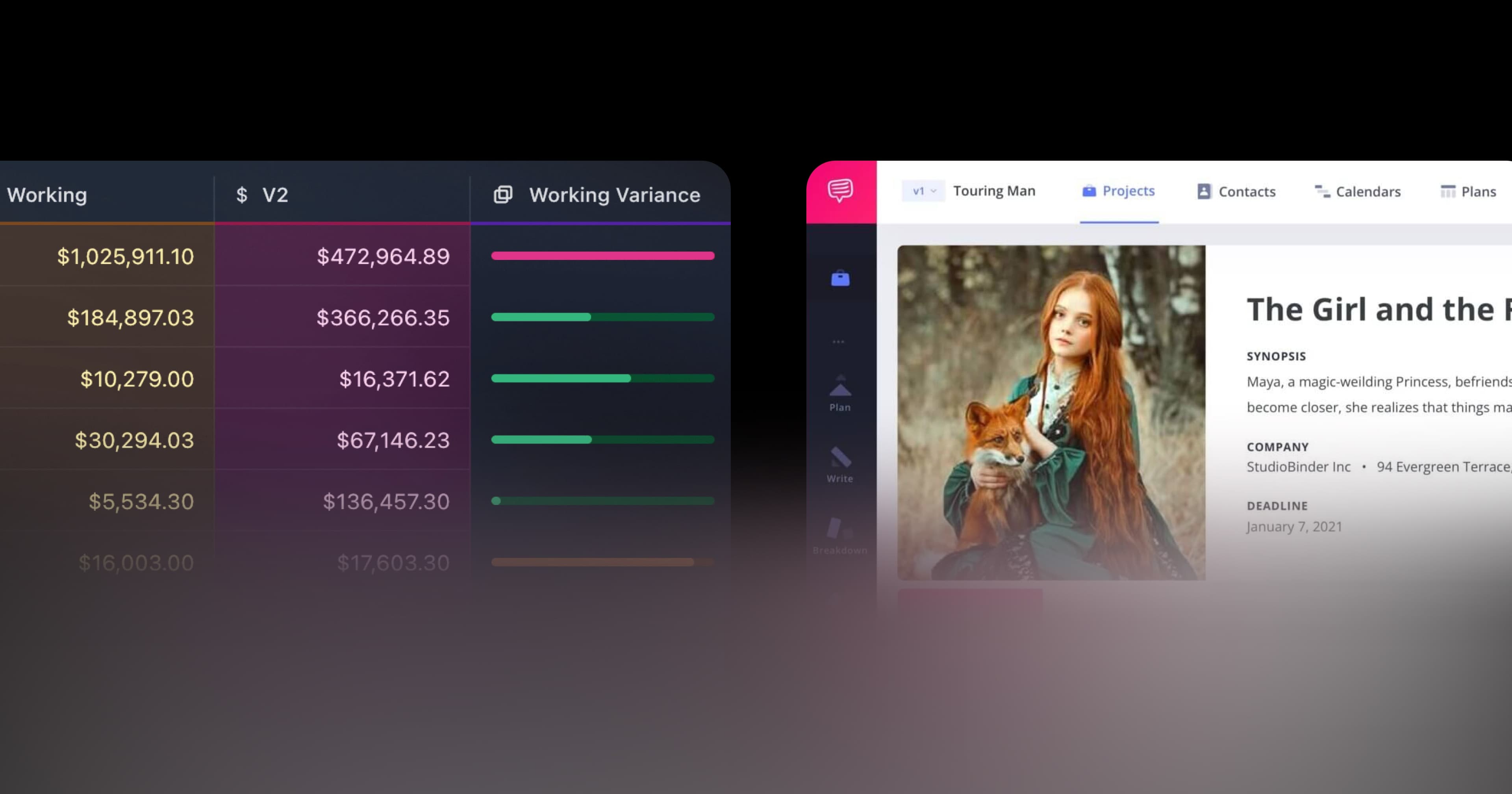
StudioBinder is the most widely adopted production management tool for indie features, commercials, and music videos. Covers call sheets, shot lists, scene breakdowns, schedules, and contact management. Smart call sheets with auto-generated weather and location data. See our Saturation vs StudioBinder comparison.
Yamdu
Yamdu handles the full pre-production through wrap workflow. Script breakdowns, shooting schedules, call sheets, time cards, crew management. Strong for productions that need tight integration between scheduling and execution.
Celtx
Celtx offers scriptwriting, breakdown, scheduling, and budgeting in one tool. Good fit for small productions that want a unified script-to-schedule-to-budget workflow. See our Saturation vs Celtx comparison.
Movie Magic Scheduling
Movie Magic Scheduling is the long-standing industry standard for shooting schedules. Desktop-first, paired with Movie Magic Budgeting on studio productions. Less modern than cloud alternatives but still dominant on major productions.
Flow Production Tracking
Autodesk's Flow (formerly ShotGrid) handles complex VFX and animation pipelines at studio and service-bureau scale. Asset tracking, task dependencies, review workflows. Overkill for most live-action productions but essential for VFX-heavy shows.
Scenechronize
Scenechronize handles script distribution and version management across the production team. Solves the "which draft are we shooting from" problem.
General PM tools adapted for production
Asana
Asana is widely used for production office and post-production coordination. Task management, timelines, team communication. Not film-specific but flexible enough to handle non-shooting workflows.
Monday.com
Monday is similar to Asana with stronger visualization and custom board support. Some production companies use it for multi-show portfolio management at the company level.
Notion, ClickUp, Trello
General-purpose knowledge and task tools. Useful for internal team wikis, post-production task tracking, and project overviews. Not replacements for film-specific PM tools on the production side.
Financial workflow in the PM stack
Project management in film covers who does what and when. It typically does not cover what it costs. Financial workflow runs in parallel: budget tracking, approvals, card spend, invoices, cost reporting. On most productions, financial workflow lives on spreadsheets and disconnected tools while creative PM runs on StudioBinder or Yamdu.
Saturation handles the financial workflow side of production PM. Budget visibility, PO and approval workflows, card spend tracking, real-time cost reporting, vendor onboarding, and bill pay all live in one platform that complements StudioBinder or Yamdu. The production team sees the creative schedule in the PM tool and the financial state in Saturation; neither tool tries to do the other's job.
Fit by production type
Indie features
Typical stack: StudioBinder or Yamdu for production management, Movie Magic Budgeting or Saturation for budgeting, Frame.io for review, Saturation for financial workflow, Wrapbook or Cast and Crew for payroll.
Commercial production
Shorter timelines, faster turnaround. StudioBinder or Yamdu for PM, Saturation for budget and cost reporting, Frame.io for client review, Wrapbook or Topsheet for payroll.
Episodic television
Multiple episodes running in parallel. Yamdu or StudioBinder with episodic support, Movie Magic Scheduling for shooting schedules, Saturation for financial workflow across episodes, Cast and Crew or EP for payroll.
Studio features and tentpoles
Movie Magic Scheduling and Budgeting, EP SmartAccounting, Flow Production Tracking for VFX, Frame.io for review. Saturation fits as the modern operating layer on top of established studio infrastructure.
What to look for in production PM software
- Script breakdown integration (automatic tagging of props, characters, locations)
- Calendar and scheduling with drag-and-drop scene reorder
- Automated call sheets with weather, location, and contact data
- Mobile apps for on-set use (not just web)
- Integration with other production tools (Frame.io, payroll, budget platforms)
- Version control on script and schedule changes
- Role-based access (director sees their shots, AD sees the schedule, department head sees their list)
Migrating from older production PM workflows
Many production companies still run on email threads, Google Sheets, and Movie Magic Scheduling files exported as PDFs. Moving to a modern cloud PM tool is one of the higher-leverage changes a company can make. Typical migration path:
- Pick a pilot production. Not your biggest show, not your smallest. Something mid-complexity where the tool will actually get exercised.
- Import the existing schedule. Most cloud PM tools can import a Movie Magic Scheduling export or an Excel schedule as a starting point.
- Set up call sheet templates. Match the format your team already uses for consistency. Brand with the production logo and contact info.
- Run the pilot and debrief. After the show wraps, collect feedback from AD, UPM, producer, department heads. What saved time, what created friction.
- Standardize for next production. Apply the lessons from the pilot. Build a template that the production company reuses across shows.
Companies that treat the migration as a one-time event rather than a pilot-and-iterate process tend to struggle. The first show is a learning curve; the second show is where the speed gains show up.
Implementation playbook
Getting a production PM tool live takes more than picking one. A typical rollout for a new production:
- Week 1 of prep: Admins set up the project, import script, and configure departments. Upload the locked budget and schedule.
- Week 2: Department heads onboard, review their specific sections, submit feedback on gaps.
- Week 3: Full crew onboards. First test call sheet goes out for a scouting day to exercise the workflow.
- Week 4 through production: Daily call sheet generation, weekly schedule updates, real-time adjustments as needed.
- Wrap: Export final schedule, distribute wrap report, archive project for tax incentive and audit reference.
Productions that skip the prep weeks and try to configure the PM tool while shooting already started always struggle. The tool becomes a burden instead of a helper.
Common anti-patterns to avoid
- Using Excel for call sheets. Google Sheets works for a single commercial shoot day. Anything longer requires a purpose-built tool to handle weather data, contact info, parking, and department-specific call times.
- Not integrating PM with budget. A schedule change adds shoot days, which means budget impact. Disconnected PM and budget tools hide this until wrap.
- Too many tools. Running 8 collaboration tools in parallel creates more friction than it removes. Pick 3 to 5 tools that cover the core workflows and commit to using them.
- Ignoring mobile UX. The PM tool with the best web UI but worst mobile app loses on set every time.
Industry resources
For production management best practices and standards, see DGA resources for AD workflows and AICP for commercial production standards.
Frequently asked questions about film production PM tools
Can one tool handle both production management and financial workflows?
Some try, but none do both well. Film-specific PM tools (StudioBinder, Yamdu) are built for schedules and call sheets. Financial platforms (Saturation) are built for budget and spend. Best results come from using both, with integration between them where possible.
Is StudioBinder better than Movie Magic Scheduling?
For indie features and commercials, StudioBinder's modern cloud UI and integrated call sheets often win. For studio features with complex union scheduling requirements, Movie Magic Scheduling remains the industry norm. Both are valid choices depending on production size.
Do I need a film-specific PM tool for a small commercial?
For a single-day commercial shoot, a general PM tool plus a shared document can work. For anything multi-day with multiple locations or complex cast, a film-specific PM tool saves time and prevents missed call sheet details.
How do PM tools handle script revisions?
Revision management is a core PM function in film. Scripts get rewritten throughout prep and production. Tools like StudioBinder and Celtx track script versions, propagate changes to breakdowns and schedules, and alert affected departments. Scenechronize specializes in this.
Can PM tools integrate with payroll?
Some do. Yamdu has time card and payroll integration. StudioBinder integrates with Wrapbook for crew onboarding. Most productions use a payroll firm (Wrapbook, Cast and Crew, EP, GreenSlate) and the PM tool exports timecard data for processing.
How do PM tools handle remote production teams?
All major tools are cloud-first. Cast and crew access schedules and call sheets from their phones. Directors and producers update assignments from wherever they are. Remote team support is table stakes.
What does PM tool integration with Saturation look like?
The PM tool handles the creative schedule; Saturation handles the financial state. When the PM tool's schedule indicates camera department is working weeks 3 through 8, Saturation's budget shows the camera line's committed and actual spend across the same window. Integrations or shared calendar views let producers see both at once.
Are there open-source PM tools for film production?
Very few that are film-specific. General open-source PM (OpenProject, Taiga) can be adapted but require significant customization. For most productions, commercial film-specific PM pays for itself quickly.
Related posts
Ready to modernize your production finance?
Join thousands of production teams using Saturation to budget, track expenses, and manage payments.