Budget Template: Screen Australia A-Z

A budget template built on the A-Z account layout Screen Australia uses, from A.1 Story and Script to Z Overheads, with QAPE audit and offset lines already in place. Build and track the budget in Saturation, then submit on Screen Australia's current spreadsheet.
What's in this Screen Australia A-Z budget template
The template follows the lettered A-Z layout of Screen Australia's budget templates and opens in Saturation as a live budget with 1,049 line items. Saturation is not affiliated with Screen Australia.
Accounts | What they cover |
|---|---|
A.1 to B.2, E(a) | Story and script, development, producers, directors, principal cast |
C to E(b) | Unit fees and salaries, fringes and workers compensation, cast and casting |
F to H | Costumes, make-up and hairdressing, locations, stage rentals, sets and properties |
I to N | Image capture, inserts and archival, equipment and stores, rentals, travel and transport, accommodation and catering |
O to Q.1 | Insurances, office expenses, offshore shoot |
R to X.2 | Post-production crew, rentals and travel, image post, digital VFX, post sound, music, publicity, delivery requirements |
Y to Z | Legal and business (including QAPE, investor and co-production audits, Producer Offset processing fees, cashflow lender costs) and overheads |
Screen Australia's A-Z budgets were updated in 2026
On 25 February 2026 Screen Australia republished its A-Z budget templates for feature films (including documentary features), documentary (non-feature), digital media and animation, alongside its finance plan templates. Screen Australia says the budget templates are intended for all projects, whether or not you apply for the Producer Offset. When you apply, download the current spreadsheet from Screen Australia and submit in that format; use Saturation to build, revise and track the numbers.
Producer Offset and other federal offsets
The Producer Offset is a refundable tax offset calculated on qualifying Australian production expenditure (QAPE):
- 40% of QAPE for a feature film made for cinema release
- 30% of QAPE for a project made for television or a subscription service that began principal photography on or after 1 July 2021
Larger productions may instead use the 30% Location Offset or the 30% PDV Offset for post, digital and visual effects. To claim the Producer Offset you submit expenditure statements (general ledger, final cost report and QAPE spreadsheet) and an auditor's statement, which is why account Y already carries QAPE audit and offset fee lines. More in our Australia incentive guide.
Track it through to the QAPE audit
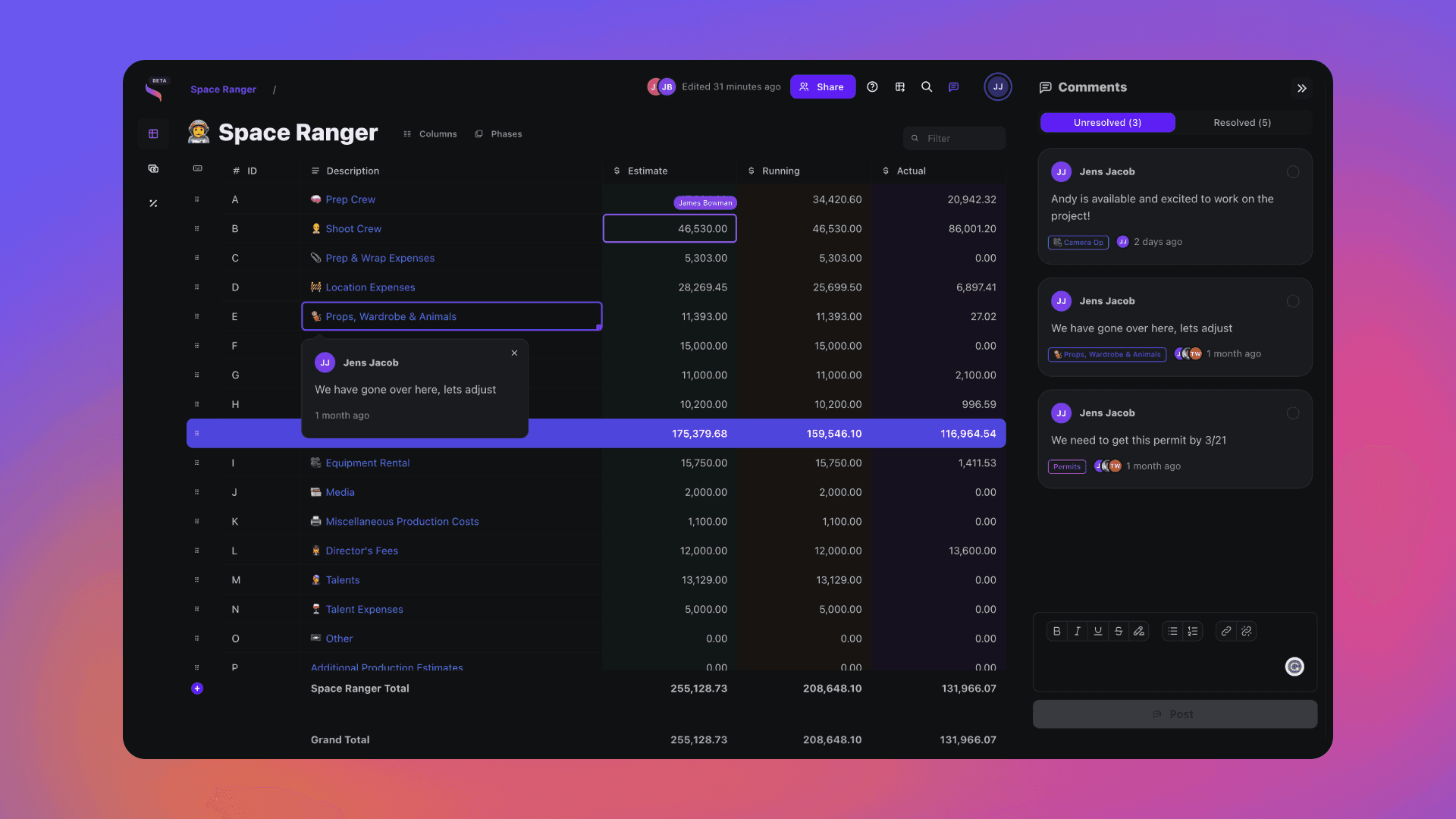
Keep the approved budget as the estimate and post actuals as you go; every line shows Estimate, Actual and Variance. On a paid plan, export to Excel (XLSX), CSV or PDF when your accountant or auditor needs the numbers.
Frequently asked questions
Is this Screen Australia's official A-Z budget?
No. It follows the same A-Z account layout so you can build and track your budget in Saturation. Submit applications on Screen Australia's current A-Z spreadsheet, last updated 25 February 2026.
What is the Producer Offset rate?
40% of QAPE for feature films made for cinema release, and 30% for eligible TV and subscription-service projects that began principal photography on or after 1 July 2021.
Which A-Z budget should I use for a documentary?
Screen Australia has separate A-Z budgets for feature films (including documentary features) and for non-feature documentaries. Use the one that matches your format when you submit.
Open this template in Saturation
Every template lands in a live budget: auto-fill the line items, set your phases and rate packs, and let fringes and reports follow the numbers.
Budget Engine 2.0
Your budget, your cost report and every export run on one engine.
Auto-fill
Rates fill in as you type, from the source you turned on.
PhasesRebuilt
Every column knows its type.
Reports
Drag blocks onto the page and split a row in two.
Rate packs
Verified union rates, versioned.


Fringes and markupsRebuilt
Stack them, cap them, and see the split on every line.