Budget Template: Feature Film

A free feature film budget template with the standard top sheet: above-the-line, production, post-production and other costs. It opens in Saturation as a live budget you can fill in, track against actuals and export to Excel or PDF.
What's in this feature film budget template
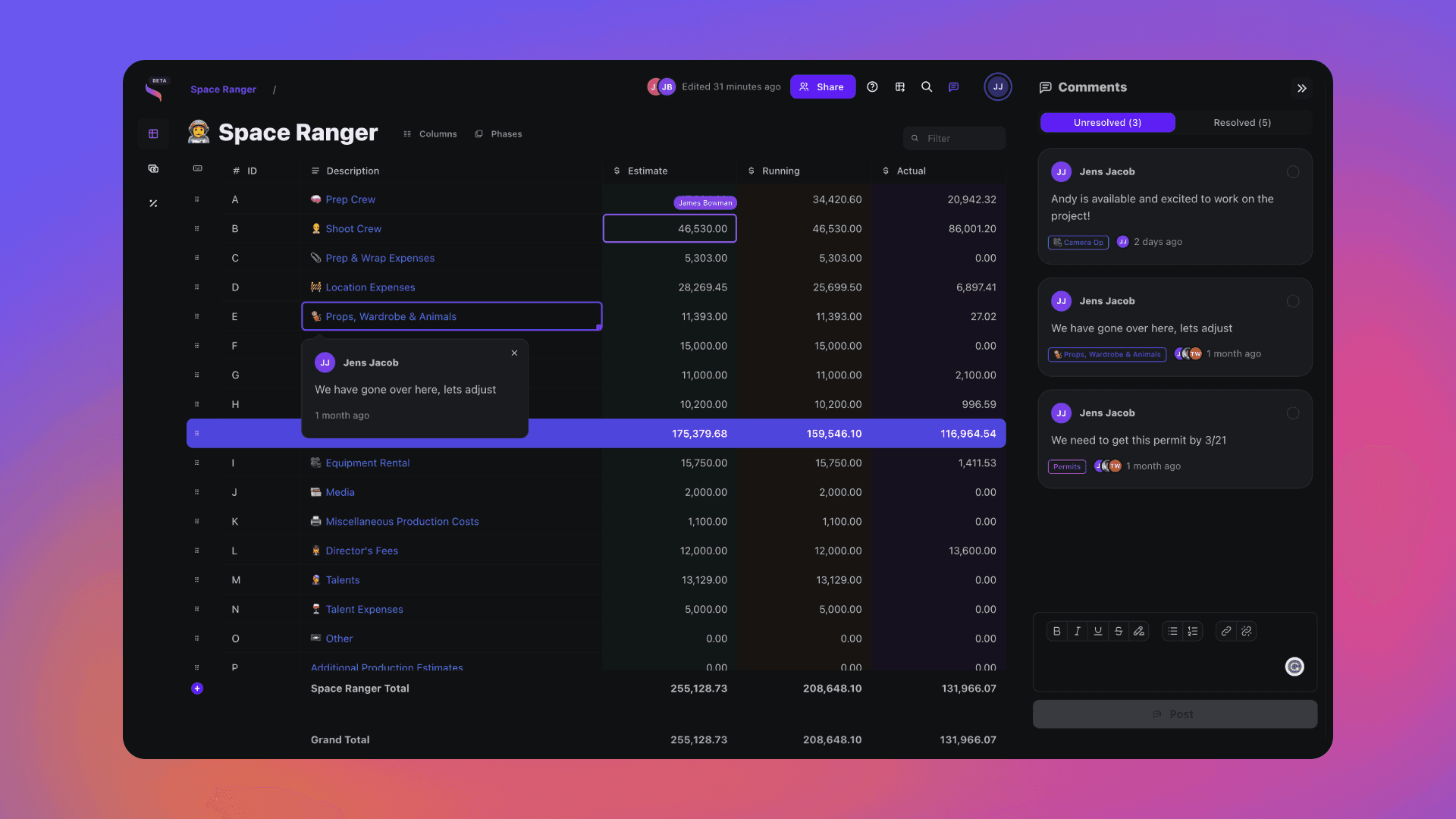
This free feature film budget template opens in Saturation as a working budget, not a static spreadsheet. It uses the top sheet layout that financiers, completion guarantors and production accountants expect: above-the-line, production, post-production and other costs, each with its own subtotal and a grand total at the bottom.
Section | Accounts in the template |
|---|---|
Above the line | 0100 Screenplay, 0200 Producers Unit, 0300 Direction, 0400 Stars and Principals |
Production | 2100 Production Staff, 2600 Cast and Day Players, 3100 Production Design, 3600 Extra Talent, 4100 Grip and Set Operations, 4600 Special Effects, 5100 Set Dressing, 5600 Property, 6100 Wardrobe, 6600 Hair and Makeup, 7100 Electrical, 7600 Camera, 8100 Production Sound, 8600 Transportation, 9100 Location Expense, 9600 Travel and Living, 9800 Video Stock and Transfer |
Post-production | 10100 Editorial, 10600 Post-Production Tape Costs, 11100 Music, 11600 Post-Production Sound |
Other | 12100 General Overhead: legal fees, clearances, marketing and publicity, production office, wrap expenses and accounting |
That is 26 accounts and 79 starter line items. Production Staff, for example, already holds the unit production manager, location manager, assistant directors, script supervisor and office PAs. Add, rename or nest lines as your script breakdown fills in; the account totals and the top sheet update as you type.
When to use this template
Use it for a narrative feature that needs a full top sheet for investors, a sales agent or a completion guarantor. For a smaller shoot, start from the Indie Film or Short Film template. For a union feature with cast broken out in more detail, use SAG Feature Film.
If you are hiring SAG-AFTRA performers on a feature under $2 million, check which low budget agreement your budget falls under before you set cast rates:
SAG-AFTRA agreement | Maximum budget | Principal day rate (in effect through June 30, 2027) |
|---|---|---|
Micro-Budget Project Agreement | $20,000 | Terms and salaries are fully negotiable |
Ultra Low Budget | $300,000 | $257 |
Moderate Low Budget | $700,000 | $449 ($1,560 weekly) |
Low Budget Theatrical | $2,000,000 | $834 ($2,896 weekly) |
Rates rise each year, so confirm them on SAGindie when you lock the budget.
How to fill out a feature film budget
- Break down the script first. Cast days, locations, company moves, stunts and VFX shots drive most of the lines that follow.
- Fill in above the line. Rights and screenplay, producers, director and principal cast, using the deal terms you already know.
- Build production from the schedule. Enter crew and rentals with quantity, rate and multiplier (days or weeks). The account and the top sheet total themselves.
- Apply fringes, not flat amounts. Payroll taxes and union pension and health belong on the labor lines as fringes, so they move when rates or days change.
- Price post with your vendors. Editorial weeks, music, sound and deliverables.
- Add contingency and review the top sheet. Add a contingency line sized to your financier's or bond company's requirement, then check the above-the-line and below-the-line split before you send it out.
From budget to actuals
Once the budget is approved, the same template becomes your cost tracking. Every line carries Estimate, Actual and Variance columns, so spending lands on the account it belongs to and overages show up on the line instead of at wrap. When someone needs a file, a paid plan exports the full budget, top sheet included, to Excel (XLSX), CSV or PDF.
New to budgeting? Read how to create a film budget for a line-by-line walkthrough and how to read a film budget top sheet.
Frequently asked questions
Is this feature film budget template free?
Yes. Click Get Free Template, sign up for Saturation's free Creator plan (no credit card) and the template opens as a new budget. The Creator plan includes budgeting and actualizing, public templates, and fringes, markups and contingency.
Can I download it as an Excel or PDF file?
The template lives in Saturation so totals, fringes and actuals stay connected. On a paid plan you can export the whole budget, including the top sheet, to Excel (XLSX), CSV or PDF at any time.
Can I bring in a budget I already started in Movie Magic or Excel?
Yes. Saturation imports Movie Magic Budgeting budgets (an XML export from version 7 or later) and Showbiz budgets and keeps the account structure, line items and numbers, so you do not have to rebuild from scratch.
What is the difference between above-the-line and below-the-line?
Above-the-line covers the creative deals made before production: rights and screenplay, producers, director and principal cast (accounts 0100 to 0400 here). Below-the-line is everything else it takes to make the film, which in this template is the production, post-production and other sections.
How detailed is the template?
It starts lean on purpose: 26 accounts and 79 line items, enough for a first-pass top sheet. Expand any line into its own sub-account when a department needs more detail.
Which template should I use for a documentary, commercial or series?
Use the Documentary template for non-fiction, the AICP commercial bid template for ads and branded content, and the TV Series template for episodic work.
Open this template in Saturation
Every template lands in a live budget: auto-fill the line items, set your phases and rate packs, and let fringes and reports follow the numbers.
Budget Engine 2.0
Your budget, your cost report and every export run on one engine.
Auto-fill
Rates fill in as you type, from the source you turned on.
PhasesRebuilt
Every column knows its type.
Reports
Drag blocks onto the page and split a row in two.
Rate packs
Verified union rates, versioned.


Fringes and markupsRebuilt
Stack them, cap them, and see the split on every line.