
Best Software for Production Purchase Orders & Approvals
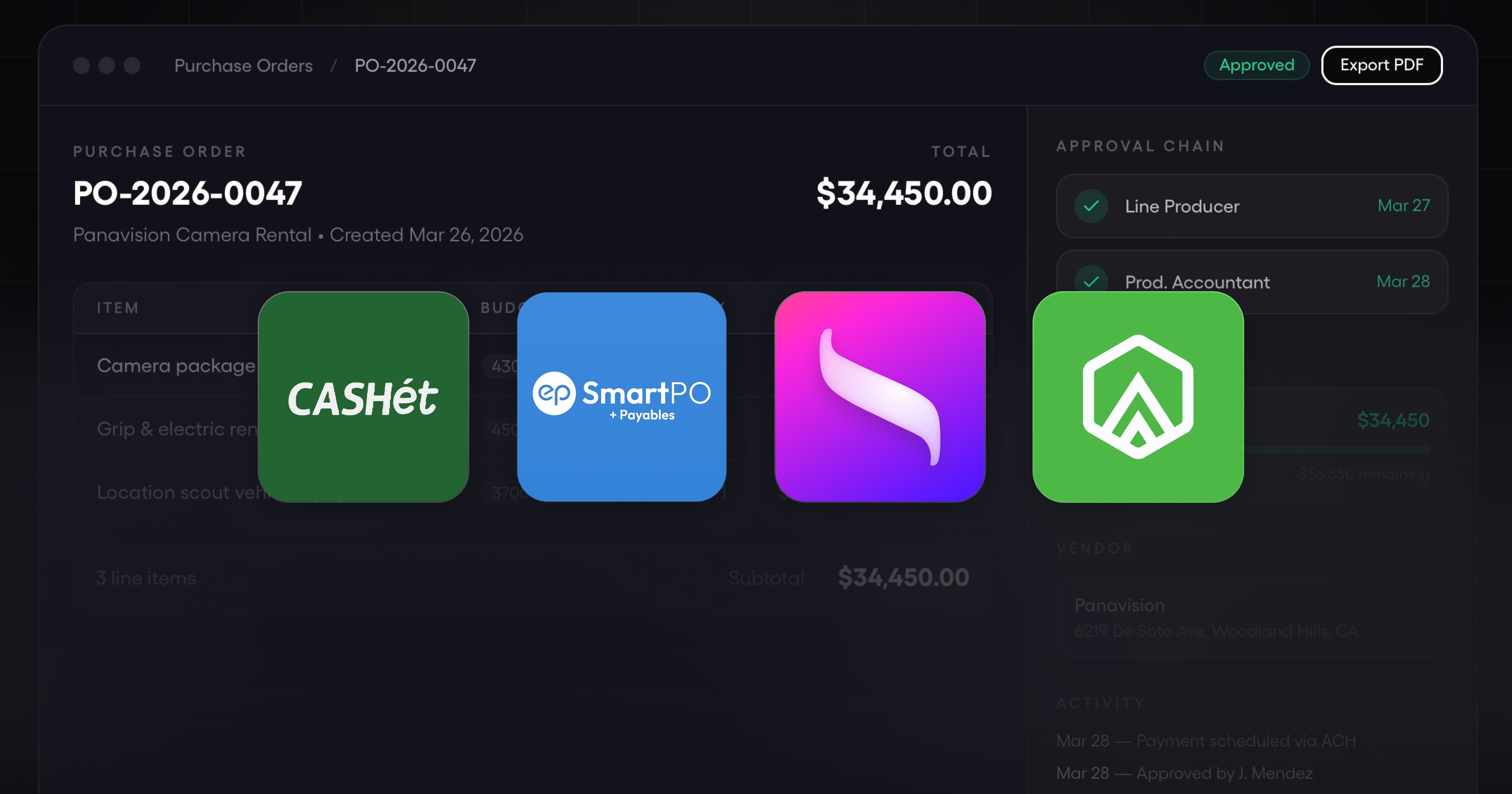
Purchase orders are the pre-approval system for production spend. When they work, producers catch overspend before money moves. When they break, vendors get paid for things nobody ordered, and the cost report surprises everyone at wrap. This guide covers the best software for production purchase orders and approvals in 2026, what to look for when choosing a platform, and how production PO software differs from generic procurement tools.
Why purchase orders matter on a production
Unlike most businesses, film and TV productions spend 60 to 90 percent of a budget in a compressed 6 to 12 week window. A decision to commit $15,000 to an equipment rental house on a Tuesday in prep becomes irreversible by Friday when crew is scouting with the gear. If that spend is approved after the fact, the window to question it is already gone.
Purchase orders pull approval forward. Before the money commits, a department head submits a PO, it routes through the approval chain, and it comes back approved (or not) with a paper trail. That single workflow does four things:
- Forces department heads to think through the spend before committing
- Gives the UPM and producer visibility into future cost, not just past cost
- Creates a three-way match later with the vendor invoice and proof of delivery
- Builds the audit trail studios, equity partners, and tax incentive auditors require
Productions that skip PO discipline end up with surprise invoices, vendor disputes, and a cost report nobody trusts.
Core features to look for in production PO software
Not every procurement platform is built for production. These are the features that matter on a film or TV show.
Configurable approval routing
A PO for $300 in craft service needs a different approval path than a $45,000 camera package rental. Good production PO software lets you configure:
- Dollar thresholds (department head approves under $500, UPM under $5,000, producer over $5,000)
- Category-based routing (equipment rentals go to the production manager, music clearance goes to legal)
- Parallel vs sequential approval (insurance and legal approve in parallel for faster turnaround)
- Escalation rules for stale POs sitting in an approver's queue
Without configurable routing, every PO turns into a producer approval, and producers become the bottleneck.
Budget line matching
A PO should be coded against a specific budget line when it is created, not after it is paid. This requires the platform to read your production budget and offer the right lines for the selected department and cost type. When the PO is approved, the committed amount shows up in the budget as a pending cost, reducing remaining funds in real time.
Generic procurement tools (Precoro, Coupa, ProcureDesk) use a generic chart of accounts. Production-specific tools read your AICP or custom chart of accounts directly.
Mobile approvals for on-set teams
Producers, UPMs, and department heads live on their phones during prep and production. Forcing them to log into a desktop portal to approve POs means approvals queue up, vendors wait, and the production loses time. Look for native iOS and Android apps with push notifications, not just responsive web.
Three-way matching against invoices and receipts
The gold standard in procurement is three-way matching, where PO, delivery confirmation, and vendor invoice all align before payment is released. For a production, this means:
- PO approved for $8,000 lighting rental, 2 weeks duration
- Equipment received on set, delivery ticket attached to the PO
- Vendor invoice arrives for $8,000, auto-matched to the PO
- Payment routes for final approval, then pays on the scheduled date
If amounts do not match, the system flags it. If delivery is not confirmed, the system holds payment. This is where production PO software beats email-and-spreadsheet workflows. Your accountant does not have to manually reconcile 300 invoices at wrap.
PDF exports and vendor-facing POs
Vendors still want a PDF PO for their records. The software should generate a clean, branded PDF of each approved PO with line items, total, tax, and signatures. Attach a backup document (quote, rental agreement, insurance certificate) to the PO, and export the full packet for audit.
Amendments and change orders
Production is chaotic. A camera rental quoted at $8,000 becomes $12,000 when the 2nd unit picks up late pickups. Good PO software lets you amend the approved PO and re-route for approval, with the original version preserved for audit. Bad PO software forces you to cancel and recreate, losing the history.
Security and compliance
For studio and equity-backed productions, SOC 2 Type II is the compliance floor. For union and tax incentive work, you also need role-based access, audit trails on every approval, and secure document storage. Check the vendor's published trust center before rolling out on a show with sensitive IP.
Top software options for production purchase orders
Four platforms dominate production PO workflows today.
Saturation
Saturation Purchase Orders is integrated with production budgeting, banking, cards, and bill pay on one platform. Features include:
- PO approval routing by dollar amount, project, or vendor
- PO line items coded to the exact budget line in the Saturation budget
- Approvals in the Tasks queue, with email notifications to approvers
- Payments through bill pay that draw down the PO's committed amount as they are actualized
- Move an approved PO back to draft to revise it, or void or duplicate it
- Real-time budget impact as POs are approved
- SOC 1 and SOC 2 Type 2 compliant
- Automatic data extraction from uploaded invoices, with agent-based invoice matching coming in Production Intelligence (Saturation 3.0)
GreenSlate
GreenSlate offers PO software integrated with their production accounting and payroll platform. Strong on customizable approval flows and digital signatures. Works best for productions already running on GreenSlate payroll. See our Saturation vs GreenSlate comparison.
SmartPO by Entertainment Partners
SmartPO is part of Entertainment Partners' production accounting suite. Tightly integrated with SmartAccounting (their accounting system) and EP's payroll services. Best fit for productions running the full EP stack. See the Saturation vs EP comparison.
CASHét and Cast & Crew
CASHét (acquired by EP in 2025) offers digital purchase orders as part of their broader production spend platform. Cast & Crew has PSL+ and Start+ which include PO functionality for productions on their payroll. See the Saturation vs CASHét comparison.
Generic procurement tools vs production-specific
Tools like Precoro, Coupa, ProcureDesk, and Fraxion are general B2B procurement platforms. They are well-built but expect a generic chart of accounts, standard approval hierarchies, and long vendor relationships. On a production, this breaks down because:
- Charts of accounts are production-specific (AICP, indie, custom) and not mapped in generic tools
- Vendors on a production are one-off or short-term, not ongoing suppliers
- Approval thresholds change by show, not by user or department
- Compliance requirements (SAG-AFTRA, IATSE, state tax incentives) require production-aware logic
If you already run on a general procurement tool for corporate spend, keep it for the office. Use a production-specific PO platform for the show.
How to roll out PO software on a production
- Set up approval workflows in prep before any PO is issued. Department head, UPM, producer thresholds defined up front.
- Walk every department head through raising and approving a PO in the first week of prep. They will not read email instructions.
- Require POs for any commitment over a set threshold (typically $500). Below that, use production P-cards with real-time limits.
- Integrate with vendor onboarding so new vendors' W-9s and bank details are on file before the PO goes out.
- Require every invoice to reference its PO before bill pay releases payment.
- Audit approval chains weekly in prep, and daily in production. Stale POs become vendor relationship problems fast.
Industry standards and compliance resources
Production purchase order workflows intersect with several industry bodies. See AICP for standard commercial production bid and reporting formats, and IATSE for crew agreements that affect PO approval thresholds on union shows.
Frequently asked questions about production PO software
Do I need a PO for every production purchase?
No. Small purchases (under $500 on most shows) should use a production P-card with line limits. POs add friction, and adding friction to small purchases slows the show down without catching real overspend risk. Reserve POs for commitments over the threshold you set in prep.
Can PO software handle same-day urgent approvals?
Yes, if the request reaches the approver the moment it is submitted. Urgency is solved by routing speed, not by skipping approval. In Saturation the request waits in the approver's Tasks queue, so a producer can approve a $15,000 PO in under a minute.
How do POs connect to the production budget?
Each PO is coded to a budget line when created. When approved, the committed amount reduces remaining budget on that line in real time. When the invoice is paid, the PO closes and the actual spend replaces the committed amount. This is how you get a cost report that reflects tomorrow's spend, not just yesterday's.
What happens if a vendor invoice exceeds the approved PO?
Treat it as a change to the commitment: revise the PO and send it back through approval, or return the invoice to the vendor for correction. In Saturation an approved PO can be moved back to draft, revised and resubmitted, so the overage is approved before payment moves.
Does PO software replace my production accountant?
No. POs automate the workflow (routing, matching, payment release) but not the judgment (is this vendor appropriate, is the rate reasonable, does this spend qualify for tax incentive). The accountant still sets approval rules, reviews flagged POs, and signs off on cost reports.
Can PO software integrate with our payroll provider?
Often through file imports rather than a live sync. Saturation imports payroll files: CSV exports from Wrapbook and other providers, and Media Services .ULT files, which come in as timecard transactions matched to budget lines by account code.
Is production PO software SOC 2 compliant?
The production-specific platforms (Saturation, GreenSlate, EP SmartPO) are SOC 2 Type II certified. This is the compliance floor for studio and equity-backed productions. Generic procurement tools often are too, but verify the vendor's trust center before rollout.
How much does production PO software cost?
Pricing models vary. Saturation includes purchase order management on the Team plan ($79 per month billed annually, or $99 month to month). GreenSlate and EP SmartPO are typically bundled with their broader accounting or payroll services. Generic procurement tools price per-user per-month. Get quotes for your production size and compare total cost of ownership, not headline pricing.
Related posts
Ready to modernize your production finance?
Join thousands of production teams using Saturation to budget, track expenses, and manage payments.