
SMS Terms
Last updated: October 10, 2026
Saturation Card Texts is a text message program from Saturation.io, Inc. ("Saturation", "we") for Saturation cardholders. We text you about the cards your workspaces (the companies or productions you work for) give you. You can reply to any of our texts with receipt photos, and we try to match each one to a charge. This program never sends marketing texts. Sign-in codes for two-step sign-in come from a different number and are not part of this program; replying STOP to this program's texts does not turn them off.
1. Texts
Every text in this program starts with "Saturation:" and can include the merchant, amount, date and workspace for a charge. We send only these texts, not one for every charge:
- codes to confirm the number you set up
- confirmation when texts turn on, and the opt-out and restart confirmations in section 6
- replies to receipt photos you send, with the matched charge or the reason none matched
- questions when a photo could belong to more than one charge
- one-time notices, the first time we text you about each workspace's card
- reminders about missing receipts, if a workspace turns on receipt reminders
- reminders about unmatched photos waiting on Home
- replies when you text HELP or INFO
2. Opt-in
Texts are optional. Consent to texts is not a condition of getting or using a Saturation card or service, or of any purchase. You must be the mobile account holder or an authorized user of your texting number (the US mobile number you set up for texts). Only you can set up texts for your texting number; no one in your workspaces can do it for you. To set up texts:
- Sign in to Saturation.
- On Home, choose Set up next to Texts.

- Enter your US mobile number.
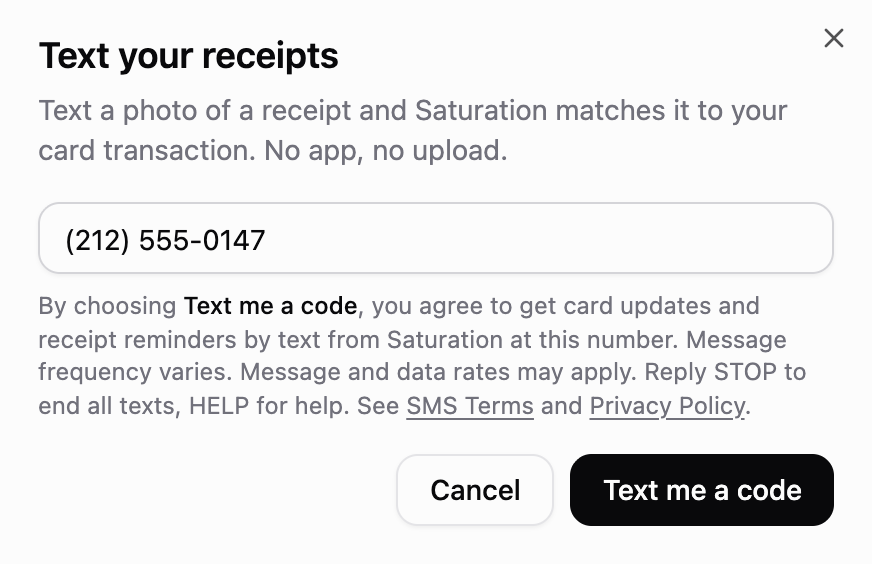
- Read the consent notice, then choose Text me a code.
- Enter the 6-digit code we text you.
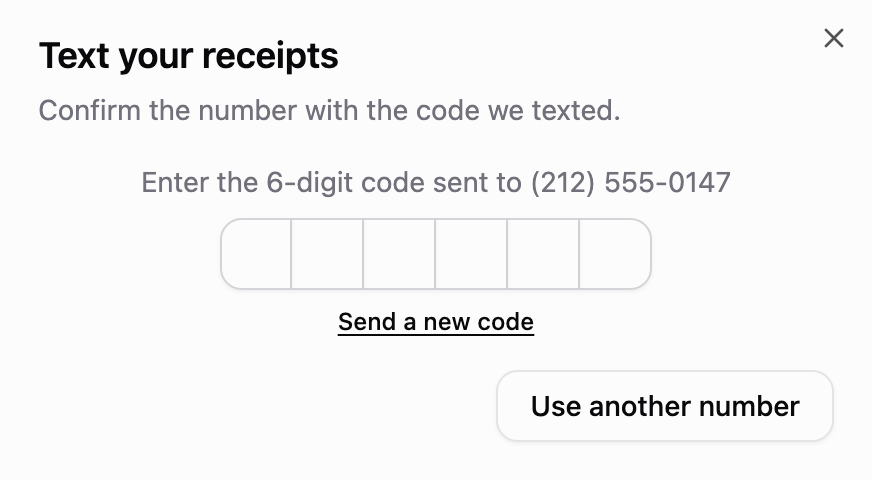

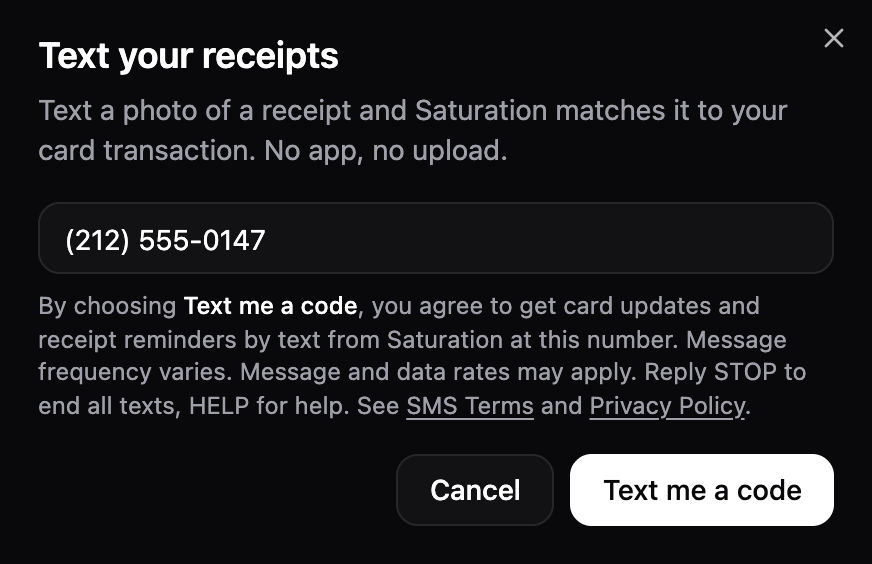
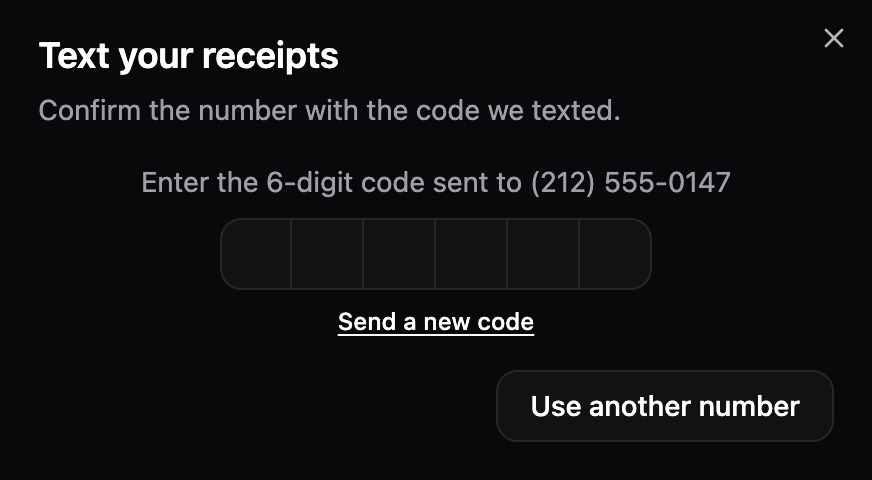
Screens from the Saturation web app, shown with the sample number (212) 555-0147.
The consent notice reads:
By choosing Text me a code, you agree to get card updates and receipt reminders by text from Saturation at this number. Message frequency varies. Message and data rates may apply. Reply STOP to end card texts, HELP for help. See SMS Terms and Privacy Policy.
You can also start in Settings > Notifications or on the page where you accept your card. Both show the consent notice above. The card page fills in the number your workspace has on file for you; confirm or change it. On the card page, the button and the notice say Yes, text me a code instead of Text me a code.
Until you enter the code, we text only the code. Then we text:
Saturation: Card texts are on. Text receipt photos here anytime. Msg freq varies. Msg&data rates may apply. HELP for help, STOP to opt out.
3. Frequency
Message frequency varies with your card activity and the photos you send. We send at most one reminder a day (your local time) across all your workspaces. If you send no readable receipt photo for 7 days after setup or after your last one, we send at most one reminder a week until you do. Apart from reminders and the one-time notice for each workspace, every text answers something you send or do in Saturation.
After a workspace cancels your last card there, its texts continue until 30 days after your last charge on any of your cards there, so you can still send those receipts. If those 30 days have already passed, its texts stop at cancellation.
4. Cost
We charge nothing for these texts. Message and data rates may apply, including for photos you send, and can be higher outside the US.
5. Help
Reply HELP or INFO to any of our texts for help. We reply:
Saturation: Card updates and receipt reminders for your Saturation card. Msg&data rates may apply. Help: support@saturation.io. Reply STOP to opt out.
6. Opt-out
You can opt out in any of these ways:
- By text: reply to any of our texts with only STOP, QUIT, END, CANCEL, UNSUBSCRIBE, REVOKE or OPT OUT, or ask in plain words, such as "please stop texting me", and we stop this program's texts right away. After STOP, QUIT, END, CANCEL or UNSUBSCRIBE, the carrier network sends one text confirming the opt-out and blocks all texts from this program's number, including HELP replies, until you reply START or UNSTOP. After REVOKE, OPT OUT or a request in plain words, we send one text confirming the opt-out:
Saturation: You are unsubscribed from card texts and will get no more. Reply START to resubscribe.
- In Saturation: open the menu in the Texts row on Home and choose Turn off all texts to stop texts and photo matching, or Turn off for a workspace to stop only its texts and photo matching.
- By email or other means: email support@saturation.io with your texting number, or tell us in any other reasonable way. We turn off texts and photo matching for that number within 10 business days.
A text opt-out stops our texts to you. We still match photos you send until you choose Turn off all texts in Saturation or ask us to stop by email or another reasonable way.
If you opted out by text, reply START or UNSTOP to turn texts back on. If the carrier network confirmed your opt-out, it confirms the restart too. Otherwise we reply:
Saturation: Card texts are back on. Msg freq varies. Msg&data rates may apply. HELP for help, STOP to opt out.
If you turned texts off any other way, choose Set up (or Turn on for a workspace) in Saturation. If you did both, reply START or UNSTOP first so your setup code can reach you.
7. Privacy
People in your workspaces who issue, manage or view cards may see your texting number, because it is often the same as your profile phone number or the phone number on a card for you. We do not tell them which number gets texts. When you set up texts, we save your texting number as your profile phone number if your profile has none. If someone who issues cards in a workspace adds your profile phone number to a card for you, we send it to our card program partners (the companies that issue and process your card). Change your profile phone number in Settings > Account.
We use your texting number to send these texts and to match your photos to charges. A matched photo becomes the charge's receipt, visible to anyone in that charge's workspace who can see the charge, like any receipt you upload. Unmatched photos stay on your Home, hidden from your workspaces.
No mobile information will be sold or shared with third parties or affiliates for marketing or promotional purposes. Apart from the uses described above and disclosures the law requires, we share your texting number, text consent and opt-in records only with service providers that deliver our texts or host our service, under agreements that limit their use to that work. See our Privacy Policy.
8. Delivery
Carriers are not liable for delayed or undelivered messages.
9. Number changes
Before you change or give up your mobile number, update your texting number in Settings > Notifications, or choose Turn off all texts. Otherwise the number's next owner could get texts with your charge details and add photos to your charges.
10. Other terms
These terms add to our Terms of Service and Privacy Policy and apply once you choose Text me a code or Yes, text me a code. If either conflicts with these terms, these terms control. Texts from this program rely only on your consent under these terms. Any consent to marketing texts in our Terms of Service or Privacy Policy does not apply to your texting number. We may change these terms or end the program; we post changes here and update the date at the top. Before we send a kind of text these terms do not describe, we ask for your consent.