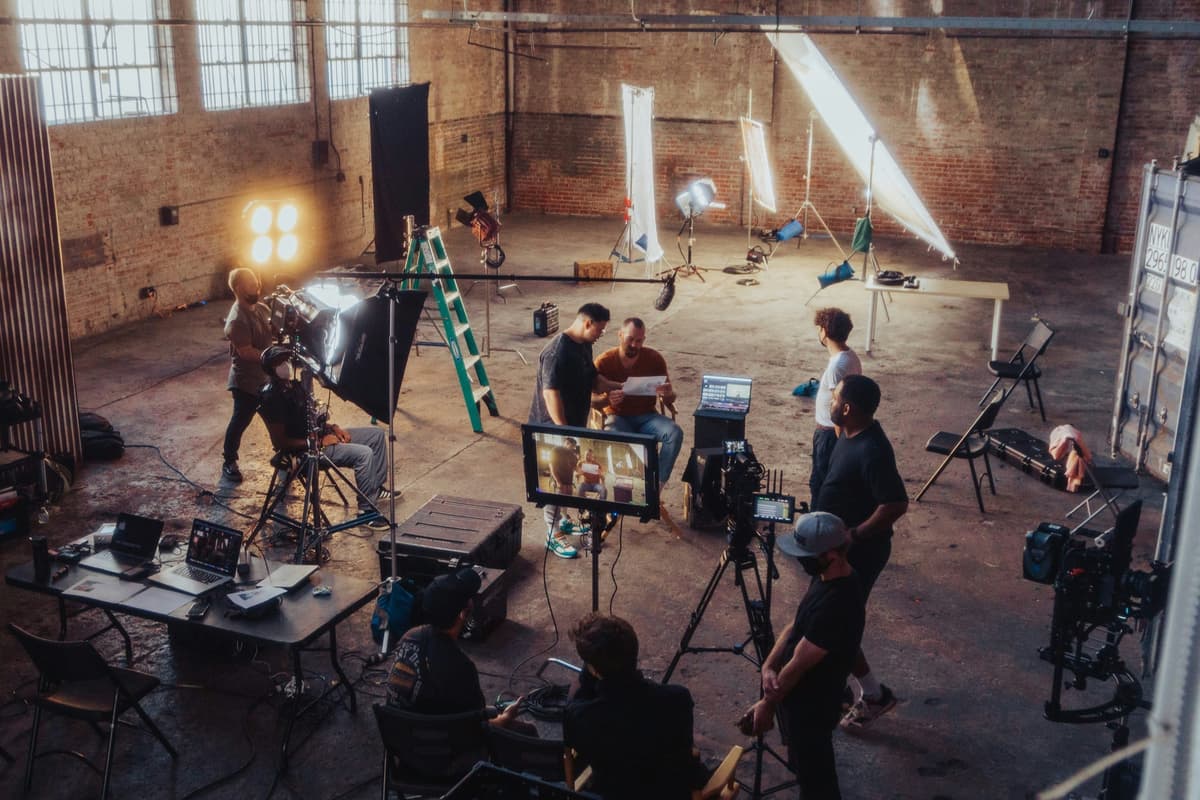
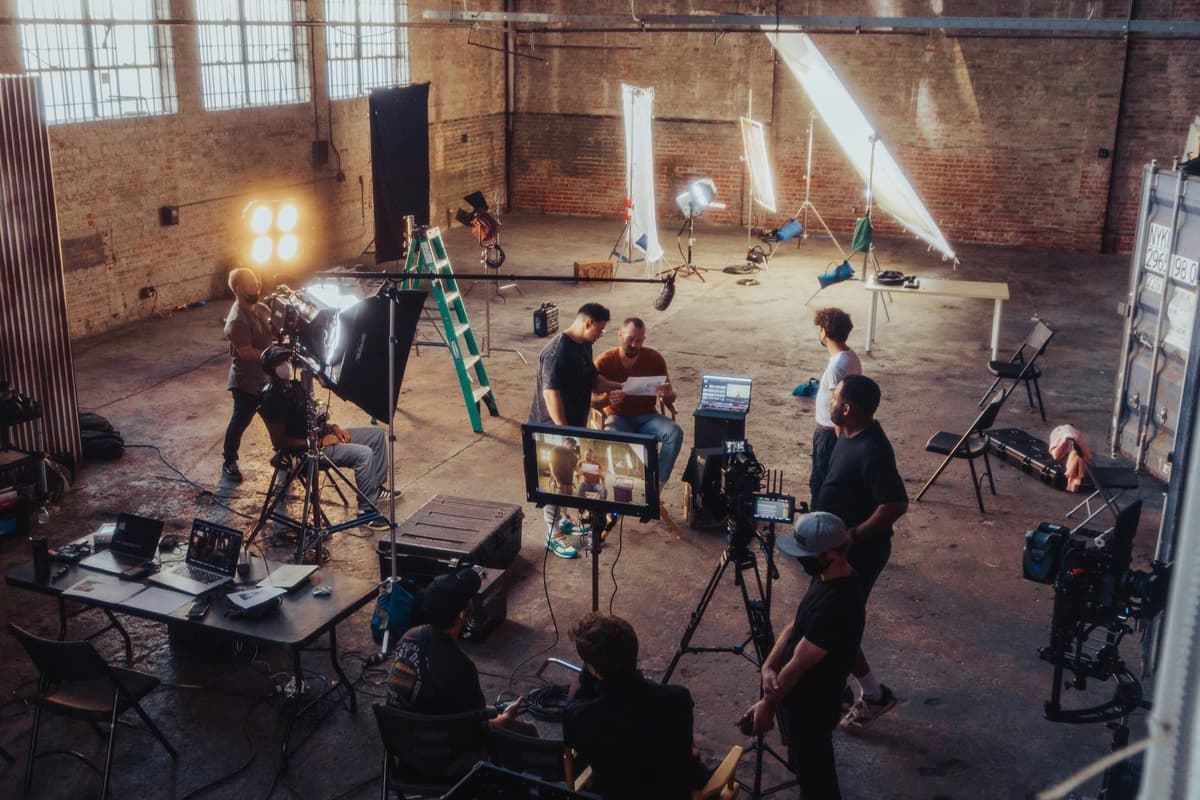
What is a Tracking Artist?
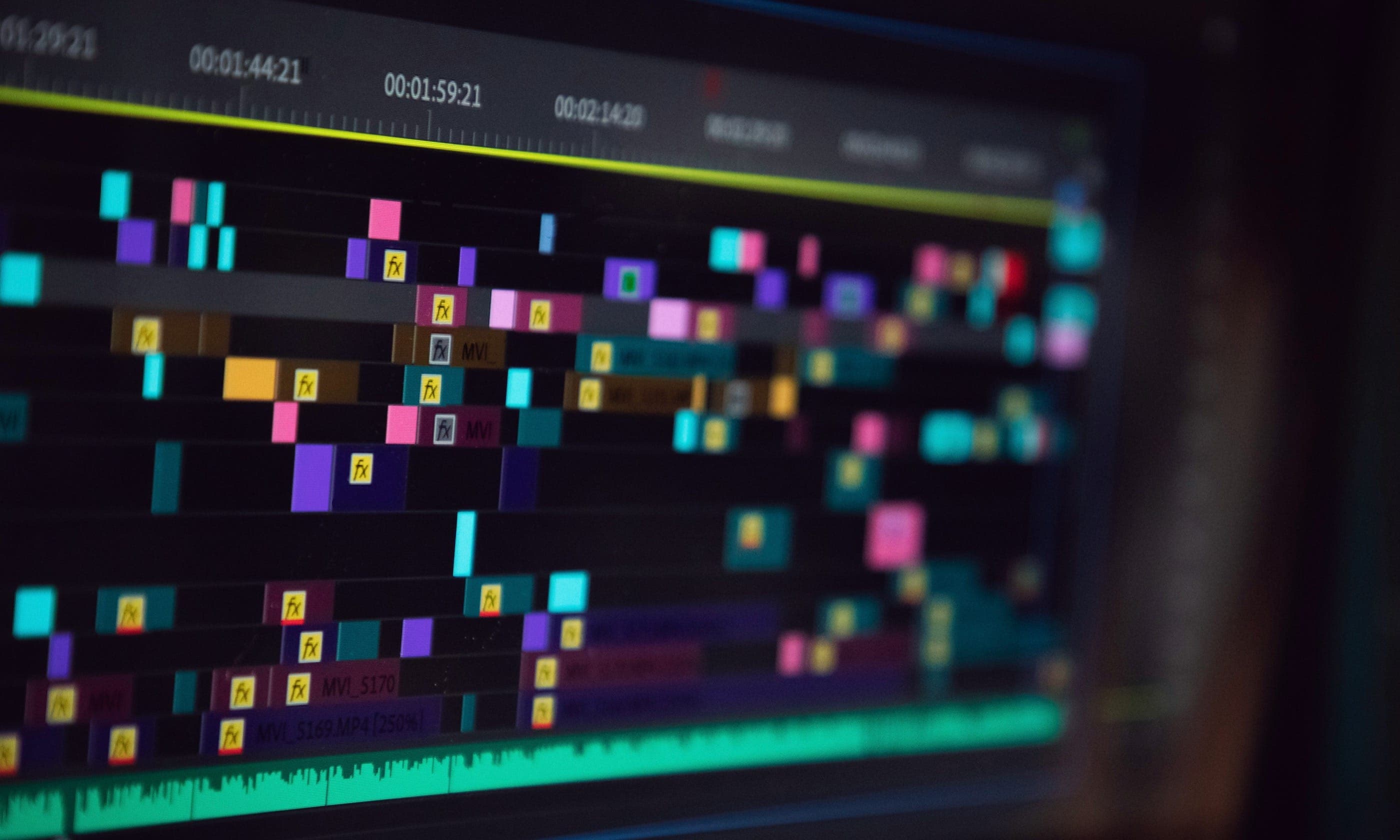
Overview
What Is a VFX Tracking Artist?
A VFX tracking artist — also called a matchmove artist or camera tracker — is a specialist in the visual effects pipeline whose core responsibility is making computer-generated elements look as if they truly exist inside live-action footage. They achieve this by precisely analyzing the movement of the camera and any objects or people within a shot, then replicating that movement in 3D space so digital elements obey the exact same perspective, scale, and motion as the original plate.
Without a tracking artist, VFX would look pasted-on. A spaceship that doesn't follow the camera's subtle lens shift, a digital creature that doesn't respond to a handheld jitter, a screen replacement that floats instead of sticking — these are the artifacts of failed tracking. The tracking artist's job is to make all of that invisible.
The Two Core Disciplines: 2D Tracking vs. 3D Matchmove
Tracking artists work in two fundamental modes, and experienced professionals must be fluent in both.
2D Tracking (Planar Tracking) involves following specific points or regions within the 2D frame. A compositor might need to replace a billboard, a phone screen, or a corporate logo on a car. The tracking artist isolates that surface, analyzes how it moves in X and Y coordinates across frames, and exports that motion data so the new graphic can be pinned to it frame-by-frame. Tools like Mocha Pro and Nuke's 2D tracker are the workhorses here. Face tracking for cosmetic VFX or de-aging falls into this category as well.
3D Matchmoving (Camera Solving) goes much deeper. The tracking artist solves the full 3D path of the camera through real space — its position, rotation, field of view, and lens characteristics — and outputs a virtual camera that moves identically inside a 3D application like Maya or Houdini. This lets a 3D animator place a digital dinosaur on set, confident that the camera will orbit it as if it were actually there on the day of the shoot. Dedicated software for this includes 3DEqualizer (3DE4), PFTrack, and SynthEyes.
Where Tracking Fits in the VFX Pipeline
Tracking artists sit early in the post-production pipeline. Once editorial locks picture and the VFX supervisor has reviewed the plates, the tracking department receives the shots and begins working before compositors, lighters, or animators can touch them. A fully tracked shot is the foundation everything else is built on. Compositors receive 2D tracking data to pin elements; 3D artists receive camera solve files and sometimes geometry exports to integrate their renders; rotomation artists use body tracking data to place digital doubles.
The work is methodical, requires extreme attention to detail, and has zero tolerance for drift — a track that slides by even a single pixel can invalidate an entire composited render. This is why studios dedicate entire departments to it on large productions.
Why Production Teams Rely on Accurate Tracking
On a feature film, a single badly tracked shot can cost tens of thousands of dollars in re-renders and re-compositing. On episodic television, where VFX budgets are tighter and schedules faster, a tracking error multiplies quickly. Productions that manage budgets carefully — using platforms like Saturation.io to track expenses and keep VFX spend on budget — understand that investing in skilled tracking artists upstream saves significant cost downstream. Every clean track means fewer revision cycles and faster delivery to picture lock.
Role & Responsibilities
Core Duties of a VFX Tracking Artist
The day-to-day responsibilities of a tracking artist vary by production scale and studio structure, but the core duties remain consistent across feature film, episodic TV, commercial, and game cinematics work.
2D Tracking and Planar Analysis
Planar tracking is the bread-and-butter of screen replacement and surface lock work. The tracking artist imports a plate into Mocha Pro, Nuke, or After Effects, identifies a rigid planar surface (a wall, a monitor, a piece of wardrobe), and sets the tracker to analyze how that plane moves in 2D space across every frame of the shot. The output — usually a corner-pin or a stabilized layer — goes directly to the compositor, who can drop in the replacement graphic and have it stick perfectly.
More nuanced 2D work includes:
- Face and body tracking for beauty work, tattoo removal, or digital makeup replacements, where the tracker must follow organic, non-rigid surfaces.
- Logo and signage replacement on vehicles, clothing, or practical set dressing that must be cleared for clearance or localization.
- Crowd duplication, where the tracking artist analyzes crowd sections so they can be stabilized, looped, and re-composited into a larger frame.
3D Camera Solving
Camera solving (matchmoving) is technically the most demanding discipline. The tracking artist opens the raw plate in 3DEqualizer, PFTrack, or SynthEyes and manually places tracking points — called trackers — on high-contrast, stable features in the image. Street corners, bolt heads, painted markings, or on-set tracking markers (tennis balls, surveyed targets) are ideal. The software uses the parallax between these points across frames to mathematically back-calculate where the camera must have been positioned in real space at every moment of the shot.
The resulting solve produces a virtual camera file — typically exported as FBX or Alembic — that a 3D artist can import into Maya or Houdini. The virtual camera will then move identically to the real one. The tracking artist's job is to minimize the residual error (solve error) to sub-pixel levels. Anything above 0.3-0.5 pixels of residual is typically sent back for refinement before it leaves the tracking department.
Key 3D solve challenges include:
- Long lens / telephoto shots where compressed perspective gives the solver little parallax information to work with.
- Shaky handheld footage where fast motion blur obscures tracking points.
- Textureless environments like snow, sand, or fog where there are few natural features to track.
- Nodal pan and roll shots where the camera rotates on its axis without any parallax, making 3D solving ambiguous.
- Post-production stabilized footage that has already been warped or cropped, removing original motion data.
LiDAR and Photogrammetry Integration
On productions that capture on-set spatial data — increasingly common on larger-budget features — the tracking artist receives LiDAR scans and photogrammetry models of the physical shooting location. These are brought into the matchmove software as reference geometry and used to constrain and validate the camera solve. A tracking artist who can work fluently with point clouds and mesh data is considerably more valuable to modern VFX pipelines. Software like RealityCapture, Metashape, and Leica Cyclone are part of this workflow.
Object and Body Tracking (Rotomation)
Beyond camera movement, tracking artists often handle object tracking — following a vehicle, a prop, or a piece of action equipment through space — and rotomation, which involves articulating a digital character skeleton to match the performance of a real actor frame-by-frame. Rotomation sits at the intersection of tracking and animation, and it requires both precise analytical skill and a sense of how a body moves. The output feeds directly into the 3D animation department for digital double work.
On-Set Responsibilities
On productions large enough to include a dedicated matchmove team, tracking artists or their supervisors are occasionally dispatched to set during photography. Their job is to:
- Survey the location with measuring tapes, laser rangefinders, or LiDAR scanners, establishing real-world coordinates for later use in the solve.
- Place, photograph, and log tracking markers (typically tennis balls or adhesive dots on gray-scale squares) at known positions around the set.
- Record lens metadata (focal length, T-stop, distortion values) from the camera department so the solve can accurately model the optics.
- Brief the VFX supervisor and DOP on any camera movements or lens choices that will complicate the solve downstream.
This on-set work is especially important for complex sequences — wire removals, creature interaction shots, destruction sequences — where a poorly documented shoot creates untraceable plates that no software can solve reliably.
Delivering Tracking Data to the Pipeline
Once a solve is approved, the tracking artist packages and delivers the data to other departments in formats the receiving software can read. Common delivery formats include:
- FBX — the universal 3D interchange format accepted by Maya, Houdini, Cinema 4D, and Unreal Engine.
- Alembic (.abc) — used for animated geometry and cameras in complex scenes.
- Nuke .nk scripts — camera or tracker nodes exported directly into the compositor's workspace.
- Corner pin / stabilize data — 2D tracking matrices exported to After Effects, Nuke, or Fusion for compositors.
Clear naming conventions, version control, and communication with the compositing department are as important as technical accuracy. A perfectly solved camera that is delivered to the wrong folder or with an incorrect frame offset is functionally useless and can set a VFX department back by days.
Collaboration Across Departments
Tracking artists work closely with compositors, who use their 2D data; with 3D artists and animators, who work inside the camera environment they provide; with VFX supervisors, who prioritize and approve shots; and with production coordinators who manage shot turnovers and deadlines. Strong communication skills — the ability to flag a problematic plate early, explain why a shot is untraceable with the available data, or request a new scan from production — separate good tracking artists from great ones.
Skills Required
Technical Skills Required for VFX Tracking Artists
VFX tracking is a discipline where technical precision and software mastery determine your professional ceiling. Here are the core technical competencies hiring studios look for.
Industry-Standard Tracking Software
There are three primary matchmove applications used in professional VFX production, and each has a different position in the market:
- 3DEqualizer (3DE4) — developed by Science-D-Visions in Hamburg, 3DE4 is the gold standard in feature film VFX. It is used at ILM, Weta FX, DNEG, Framestore, MPC, Pixomondo, and virtually every major studio. 3DE4 is known for its exceptional solver accuracy, robust lens distortion modeling, and deep scripting capabilities via Python and DEQ script. The interface has a steep learning curve, but mastery of 3DE4 is the single most valuable technical credential a tracking artist can have. Licenses are expensive (~$600/year), but the software provides academic licenses and is available through many VFX schools. A free version (3DE4 Community) exists with limited output options.
- SynthEyes — developed by Andersson Technologies, SynthEyes is far more affordable (under $500 for a perpetual license) and widely used at mid-tier VFX houses, broadcast facilities, and by freelancers. Its procedural workflow, scripting capabilities, and flexible output options (it exports to virtually every 3D and compositing application on the market) make it a practical all-rounder. SynthEyes is also strong for object tracking and its lens calibration tools are competitive with 3DE4.
- PFTrack / PFMatchit — Pixel Farm's suite is used extensively at UK and European VFX studios. PFMatchit is a stripped-down version with a free tier that is excellent for learning. PFTrack's node-based interface is conceptually different from 3DE4 and SynthEyes, and its photogrammetry and LiDAR integration features are particularly strong for survey-heavy productions.
2D Tracking Tools
- Mocha Pro (Boris FX) — the industry standard for planar tracking. Mocha's planar tracker is significantly more robust than point-based trackers for screen replacements, surface lock, and roto assist. Every professional compositor uses Mocha, but tracking artists who are expert in it become invaluable to compositing departments.
- Nuke's Tracker Node — The Foundry's Nuke is the dominant compositing application in VFX, and its built-in tracker is used for many 2D tasks. Tracking artists who can work natively in Nuke are more efficient collaborators with compositing departments.
- After Effects Camera Tracker — useful for simpler 3D solves and for motion graphics work. Less powerful than dedicated matchmove applications but widely used in commercial production and broadcast.
Understanding Camera Optics and Lens Distortion
A tracking artist who doesn't understand camera optics cannot deliver accurate solves. Essential knowledge includes:
- Focal length and field of view — how focal length affects the appearance of parallax and why long lens shots are harder to solve.
- Lens distortion models — radial distortion (barrel and pincushion), decentering distortion, and anamorphic lens characteristics. Distortion must be characterized and removed before solving, then re-applied (re-distorted) for compositing.
- Sensor size and pixel aspect ratio — important for correctly configuring camera profiles in your solve software. A wrong sensor setup will produce an inaccurate field of view, degrading solve quality.
- Focus and depth of field — understanding how focus racks affect feature quality in tracking regions.
- Film back vs digital sensors — especially relevant when working with archival or hybrid productions.
3D Fundamentals
Tracking artists work at the interface of 2D footage and 3D space. You need to understand:
- Coordinate systems (world space, camera space, object space) and how transformations work.
- Basic Maya or Houdini navigation to verify your camera solve looks correct in context.
- FBX and Alembic file formats — how to export correctly and what downstream artists need from your deliverable.
- Hierarchy and parenting — camera rigs, gimbal setups, and multi-axis mounts require correct understanding of object hierarchies to reconstruct in 3D.
Python Scripting and Pipeline Automation
Mid-level and senior tracking artists are expected to automate repetitive tasks. Both 3DEqualizer and SynthEyes support Python scripting. Common automation includes:
- Batch-processing lens profiles for recurring camera packages.
- Auto-generating export scripts to deliver cameras in multiple formats simultaneously.
- Parsing production spreadsheets to auto-name shots and set correct frame ranges.
- Integrating with studio pipeline tools (Shotgrid/Flow, ftrack, NIM) to update shot status automatically.
Soft Skills: Precision, Patience, and Communication
Tracking is methodical, repetitive work on bad days. A complex shot may require hours of manual point placement, constant re-solving, and fine-tuning before the residual error drops below 0.3 pixels. The soft skills that sustain a tracking career include:
- Attention to detail — catching drift before it compounds across a sequence.
- Patience — accepting that some shots are genuinely difficult and require systematic troubleshooting rather than shortcuts.
- Clear communication — the ability to flag an untraceable shot early, explain why to a VFX supervisor who may not have tracking expertise, and propose solutions (requesting new plates, survey data, or a camera report from set).
- Time management — working in a departmental pipeline means your delays affect compositors, 3D artists, and review schedules. Meeting shot turnaround targets is a professional obligation.
- Collaborative mindset — understanding that your solve is an input to someone else's work, not an end in itself. A good tracking artist thinks about what the compositor actually needs and delivers it cleanly.
Nuke Compositing Basics
Tracking artists who can open Nuke and verify their camera solve in a basic composite — placing a 3D grid or a simple CG object in the scene to sanity-check perspective — are significantly more self-sufficient and produce fewer revision cycles. You don't need to be a compositor, but understanding Nuke's CameraTracker node, ScanlineRender, and basic 3D compositing workflow is a material career advantage.
Salary Guide
VFX Tracking Artist Salary Guide
Tracking artist compensation varies significantly based on experience level, studio size, geographic market, and production type. The data below reflects reported ranges across film, television, commercial, and game cinematics markets as of 2025-2026.
United States Salary Ranges by Experience Level
Junior Tracking Artist / Matchmove Artist (0–2 years)
- Annual salary: $45,000 – $65,000
- Daily rate (freelance): $250 – $400/day
- Typically working under close supervision on standard shots. Expected to produce clean 2D tracks and basic camera solves. Most junior roles are at mid-tier VFX studios or outsourcing facilities.
Mid-Level Tracking Artist (2–5 years)
- Annual salary: $65,000 – $90,000
- Daily rate (freelance): $400 – $650/day
- Independently managing complex shots with minimal supervision. Expected to handle difficult plates — low texture, long lens, motion blur — and deliver clean solves to tight deadlines. Some pipeline scripting expected.
Senior Tracking Artist (5+ years)
- Annual salary: $90,000 – $130,000
- Daily rate (freelance): $650 – $1,000+/day
- Solving the most technically demanding shots on the show, mentoring junior artists, interfacing directly with VFX supervisors and compositing leads. On-set survey experience is expected at this level.
Matchmove Supervisor / Tracking Lead
- Annual salary: $110,000 – $160,000+
- Responsible for the entire tracking department on a production — assigning shots, maintaining solve quality standards, liaising between tracking and compositing, approving deliveries. Often has on-set duties.
Salary by Market
Geographic location significantly affects compensation in VFX. Major production markets and their relative pay positions:
- Los Angeles, CA — highest domestic salaries. Feature film rates apply. Union eligibility (IATSE Local 839 for animation-adjacent roles; IATSE 700 for production) may apply depending on employer and production type.
- New York, NY — strong commercial and broadcast market, with some feature film work. Slightly below LA rates for features but competitive for commercial production.
- Vancouver, BC (Canada) — major VFX hub with DNEG, MPC, Scanline, Framestore, and Animal Logic all operating there. Canadian dollar rates translate to lower USD equivalents, but cost of living is also lower. Vancouver is an excellent entry-level market due to the density of mid-tier VFX studios.
- London, UK — Framestore, DNEG, and Milk VFX are headquartered here. Competitive rates in GBP. The UK VFX community has access to BFI-backed productions and the broader European market.
- Hyderabad / Mumbai, India — emerging VFX hub with numerous outsourcing studios providing services to US and European productions. Rates are significantly lower in absolute terms but competitive within the local market.
Studio vs. In-House vs. Freelance
Major VFX Studios (ILM, Weta FX, DNEG, Framestore, MPC) — offer the highest base salaries, benefits, and access to the most technically demanding shots. Competition for these roles is fierce; a strong reel and usually 3–5 years of studio experience are minimum requirements for most senior positions.
Mid-Tier Studios and Boutique VFX Houses — salaries run 15–25% below major studios, but junior-to-mid level entry is more accessible. These studios often work on streaming productions, episodic TV, and commercials.
In-House VFX (streaming platforms, game studios) — Netflix, Disney+, and game studios like Epic Games have built internal VFX teams. Pay is competitive with or exceeding mid-tier VFX studios, with the advantage of greater job stability versus the project-based nature of studio work.
Freelance — experienced tracking artists freelance successfully, particularly in commercial and episodic markets where shorter engagements (4–12 weeks) are common. Daily rates of $650–$1,000+ for senior artists are achievable, but inconsistent booking and no benefits must be factored into the compensation calculation.
VES Membership and Union Context
The Visual Effects Society (VES) is the primary professional organization for VFX practitioners globally. VES membership does not directly affect compensation but signals professional standing and provides networking access. VES members are eligible to participate in the annual VES Awards, which carry significant industry prestige.
IATSE (International Alliance of Theatrical Stage Employees) covers some VFX workers at major studios in the US, particularly those working on IATSE-signatory productions. Union membership typically provides scale minimums, regulated hours, pension, and health benefits. The rate scales negotiated by IATSE vary by local and production type.
For US Bureau of Labor Statistics context: BLS classifies VFX artists broadly under Special Effects Artists and Animators (SOC 27-1014), which reported a median annual wage of approximately $98,950 in May 2023 for all experience levels combined. This covers the full range of VFX disciplines, so tracking-specific figures will vary. For current data see the BLS Occupational Employment and Wage Statistics.
Career Trajectory and Earnings Growth
The tracking artist career path has a clear progression: junior tracker to mid-level artist to senior artist to lead/supervisor to VFX supervisor (at some studios). Each level brings meaningful compensation increases, and tracking is a recognized pathway into broader VFX supervision because it requires understanding of the full pipeline — from on-set data capture through final composite.
Tracking artists who develop Python scripting skills, on-set survey experience, or expertise in emerging technologies (real-time tracking for virtual production, AI-assisted solve tools) are positioning themselves for above-market compensation as the industry shifts toward these workflows.
The Impact of AI on Tracking Roles
AI-assisted tracking tools are becoming increasingly capable, with machine learning-based point trackers (like those integrated into modern versions of Mocha and emerging tools from startups) handling straightforward 2D tracks with less manual intervention. However, difficult shots — the ones that have always required human expertise — remain human work. Most tracking supervisors report that AI tools have accelerated junior-level 2D tracking work while increasing demand for senior artists who can solve complex plates that automation cannot handle. The net effect is a skill premium on senior tracking expertise, not a contraction of the role.
Frequently Asked Questions
Frequently Asked Questions: VFX Tracking Artist
What does a tracking artist do in VFX?
A tracking artist (also called a matchmove artist or camera tracker) analyzes live-action footage to extract the precise movement of the camera and any objects within a shot. That movement data is then used by compositors and 3D artists to place computer-generated elements — creatures, environments, explosions, screen replacements — into the footage so they appear to exist in the same physical space as the real-world elements. Without accurate tracking, CGI elements look pasted-on or float independently of the camera movement.
What is the difference between 2D tracking and 3D matchmoving?
2D tracking follows the motion of a specific region or point within the flat image frame — typically used for screen replacements, surface locks, and stabilization tasks. 3D matchmoving (or camera solving) goes further: it reconstructs the full three-dimensional path of the real camera through space, producing a virtual camera in a 3D application that moves identically. 3D matchmoving is essential for placing rendered CG characters, vehicles, or environments into live-action footage with correct perspective and parallax.
What software do VFX tracking artists use?
The three primary dedicated matchmove applications are 3DEqualizer (3DE4) — the feature film industry standard used at ILM, Weta FX, DNEG, and Framestore — SynthEyes, which is more affordable and widely used at mid-tier studios and by freelancers, and PFTrack, popular at UK studios and strong for LiDAR integration. For 2D planar tracking, Mocha Pro (Boris FX) is the industry standard. Nuke has its own tracker nodes used for compositing-integrated tracking tasks.
How much does a tracking artist make?
In the United States, junior tracking artists typically earn $45,000–$65,000 per year. Mid-level artists earn $65,000–$90,000, and senior tracking artists command $90,000–$130,000 annually. Supervisors and leads earn $110,000–$160,000+. Freelance daily rates for senior artists range from $650–$1,000+ per day. Compensation is higher in Los Angeles and lower in markets like Vancouver or London in USD-equivalent terms. The BLS reports a median of approximately $98,950 for VFX and animation roles broadly (May 2023 data).
How do you become a VFX tracking artist?
Most tracking artists enter the field through a combination of formal VFX education (schools like Gnomon, VFS, or SCAD), self-directed software learning (3DEqualizer, SynthEyes, or PFMatchit), and a strong demo reel demonstrating diverse shot types. A degree is not strictly required — many studios hire based on reel quality alone. Entry points include junior matchmove positions at VFX studios, outsourcing facilities, or roto/tracking departments at commercial production companies. Building a reel that shows clean camera solves with visible residual error data is the most important preparation step.
Is being a tracking artist a good entry-level VFX role?
Yes — matchmove and tracking is one of the most accessible entry points into professional VFX. The technical barrier is lower than compositing or 3D lighting because you need one specialized skill (solving shots in a tracking application) rather than mastery of a broad production tool like Nuke or Maya. Tracking also gives you exposure to the full VFX pipeline early in your career — you receive raw plates, understand the compositing workflow, interact with 3D artists, and learn on-set practices faster than many other junior roles. From tracking, artists commonly progress into compositing, technical directing, or VFX supervision.
What is the difference between a tracking artist and a rotoscoping artist?
A rotoscoping artist manually draws mattes (silhouettes) around subjects frame-by-frame to separate them from their background — it's detailed hand-drawn work that creates clean alpha channels for compositing. A tracking artist analyzes camera and object motion to produce transformation data (position, rotation, scale) used to lock or place elements. Rotomation combines both disciplines: the tracking artist tracks body movement and articulates a skeleton to produce animated geometry that follows an actor's performance, feeding digital double and de-aging work.
Education
Education and Training for VFX Tracking Artists
There is no single required educational path into matchmove and camera tracking — what matters most at the hiring stage is your demo reel and software proficiency. That said, formal training accelerates the learning curve and signals to studios that you have foundational knowledge in 3D, optics, and VFX pipeline discipline.
Degree Programs
A bachelor's or associate's degree in a relevant field gives you structured training in the underlying disciplines. Programs most directly applicable to tracking careers include:
- Visual Effects (BFA or MFA) — schools like Savannah College of Art and Design (SCAD), Ringling College of Art and Design, and Full Sail University offer VFX-specific degrees that include matchmove modules.
- Computer Graphics and Animation — programs at California Institute of the Arts, USC's School of Cinematic Arts, and NYU's Tisch School of the Arts cover 3D fundamentals essential to tracking.
- Film Production — general film programs at Columbia College, Chapman University, or the AFI Conservatory build production literacy — understanding of camera optics, lenses, and on-set workflows — that makes you a more effective tracking artist.
- Mathematics or Physics — while not a traditional route, a quantitative background is genuinely useful. Matchmove is applied mathematics (epipolar geometry, linear algebra, camera projection models), and candidates with this background often pick up the technical theory faster.
Specialized VFX Schools
Several schools focus specifically on VFX craft without the breadth of a four-year degree. These are popular entry points because they move faster and are more industry-connected:
- Gnomon School of Visual Effects (Los Angeles) — widely regarded as the most rigorous dedicated VFX school in North America. Offers courses in matchmove fundamentals using 3DEqualizer and SynthEyes, as well as broader VFX pipeline courses. Alumni include tracking artists at ILM, Weta FX, and DNEG.
- Vancouver Film School (VFS) — offers a dedicated VFX program with a matchmove component. Vancouver is a major VFX hub (DNEG, MPC, Scanline, Framestore all have studios there), making VFS graduates well-positioned for entry-level roles.
- Escape Studios (London) — part of Pearson College, Escape offers matchmove courses and is closely tied to UK VFX studios including Double Negative and Framestore.
- Animation Mentor — primarily animation-focused but teaches 3D spatial understanding relevant to tracking work.
Online Training and Self-Directed Learning
Many working tracking artists are entirely self-taught or learned primarily through online resources. The VFX industry is relatively meritocratic at the junior level — studios care about your reel, not your diploma. Effective online resources include:
- 3DEqualizer tutorials — Science-D-Visions (the 3DE4 developer) provides official documentation and sample data. Community tutorials on Vimeo and YouTube cover practical shot-solving workflows.
- SynthEyes tutorials — Andersson Technologies provides documentation and tutorials on their website. SynthEyes is significantly cheaper than 3DE4 and has a lower entry barrier for students.
- PFTrack / PFMatchit — Pixel Farm's PFMatchit has a free version, making it accessible for practice before you have studio licenses. Their website includes tutorial videos.
- CGSociety and ArtStation forums — active communities where tracking artists share breakdowns, critique reels, and discuss difficult shots.
- YouTube channels such as VFX Tutors, Surfaced Studio, and Film Riot for foundational VFX and matchmove concepts.
Building a Tracking Demo Reel
Your demo reel is your most important job application document — more important than any degree. A strong tracking reel demonstrates your ability to solve different shot types and deliver clean data. Best practices include:
- Show the before/after — a split-screen or reveal shot showing the original plate and your tracked CG element (a 3D grid, a tracked object, a camera solve render) side-by-side. Supervisors want to see the track, not a polished composite.
- Demonstrate variety — include both 2D planar tracks and 3D camera solves. Show a long lens shot, a handheld shot, and ideally one shot with some difficulty (motion blur, texture-poor environment, fast motion).
- Keep it short — 90 seconds to 2 minutes maximum. Hiring supervisors review dozens of reels; front-load your best work.
- Include solve error readouts — showing your residual error statistics demonstrates technical rigor and studio-readiness.
- Shoot your own plates — if you don't have access to VFX plates, go outside with a camera. A hand-held walk through an environment is sufficient for demonstrating a camera solve. Movement is what matters, not production value.
Career Entry Points
Most VFX tracking artists enter the industry as junior matchmove artists or tracking assistants. Entry-level candidates are expected to:
- Have proficiency in at least one industry-standard tracking application (3DEqualizer, SynthEyes, or PFTrack).
- Understand camera optics — focal length, field of view, sensor size, lens distortion models (radial and decentering).
- Be able to deliver clean FBX or Nuke camera exports with correct frame ranges and naming conventions.
- Work accurately under deadline pressure in a departmental pipeline.
Internships at VFX studios — even in non-tracking departments like roto or data I/O — provide exposure to professional pipelines and can open doors to matching positions as internal moves or referrals.
Last updated April 25, 2026
Budget this role in seconds with Saturation
Rate packs, fringes, and phases turn a crew list into an accurate production budget without the spreadsheet math.
Rate packs
Verified union rates, versioned.


Fringes and markupsRebuilt
Stack them, cap them, and see the split on every line.
PhasesRebuilt
Every column knows its type.
Auto-fill
Rates fill in as you type, from the source you turned on.